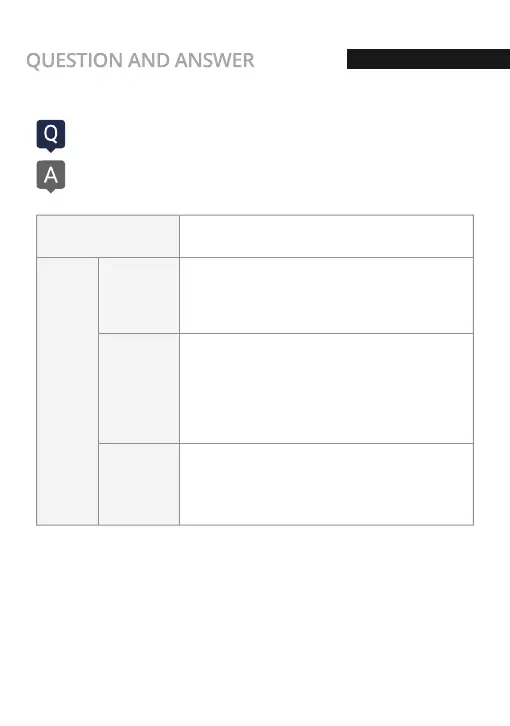
What kind of recording mode GNET Dash cam have?
We have 4 types of recording mode.
Normal Recording
Impact Mode
Parking Mode
Motion
detection
Mode
Event
Recording
- It starts recording when power is connected
- Security LED flickers once every 2 seconds
- If there is impact or shock, the REC LED will flicker and
record in event mode
- After event recording is finished, it will be automatically
changed to normal recording mode.
- Under parking mode, it records if there is any movement
within a range of 3M
- Security LED will blink faster
- If the movement finishes, it returns to parking mode again
- When the ACC voltage is released, the parking mode
automatically operates in 10 seconds.
- It is recorded with 10 frame in order to extend recording time
- Security LED flickers every 4 second
- If it connects with ACC voltage, it will switch to normal
recording mode.
70
Q&A



 To Next Page