Install PC Viewer - WINDOW
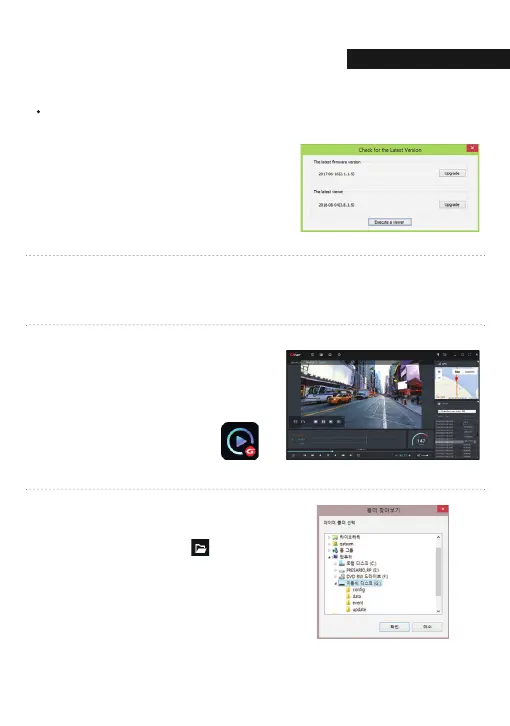
Confirmation the latest version pop-up will
appears as picture shown if network is
connected. If there is no internet
connection, PC Viewer program will be
executed directly.
8
Click the [Execute a viewer] button to start viewer program.
Gnet icon ▶
9
When the installation is completed,
the PC Viewer program runs automatically
and Gnet icon will be created
on the computer.
10
[Open the file]
When click the file button( ),
the browse folder will appear like picture.
And select removable disk,
Press [OK] button.
11
PC VIEWER INSTALLATI
05. PC VIEWER
54



 To Next Page