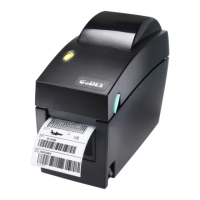
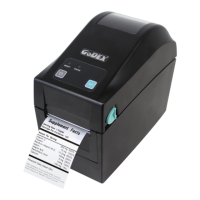
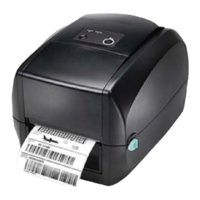
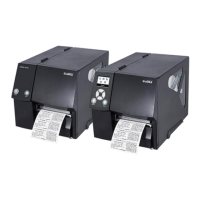
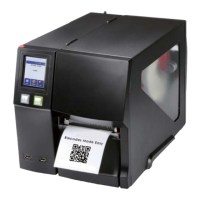
3.1 LED Operation Panel
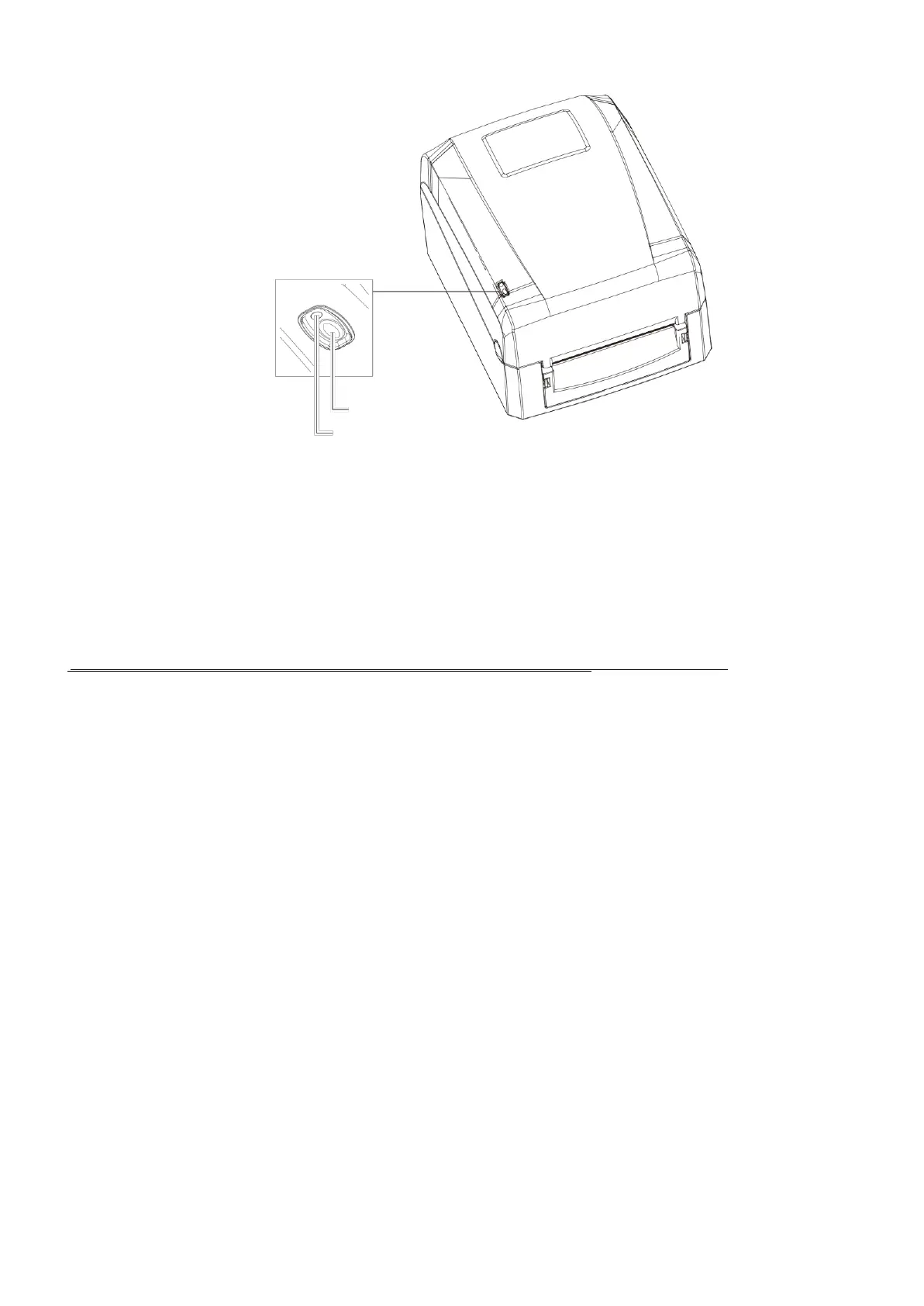
LED OPERATION PANEL
FEED BUTTON
LED INDICATOR
FEED Button
When you press the FEED button, the printer moves the label to the defined stop position.
If you are using continuous labels, pressing the FEED button will move label stock until you release the button again.
If you are using individual labels, pressing the FEED button will move only one label.
If the label does not stop at the correct position, you need to run the auto-detection function on the label stock, please see Section 3.3 Label
Calibration and Self Test.
The printer is ready for operation.
The printer has detected an error.
See Section 3-2. Error Alerts.



 To Next Page