16
Wireless Flash Shooting: Ratio (2.4G) Transmission
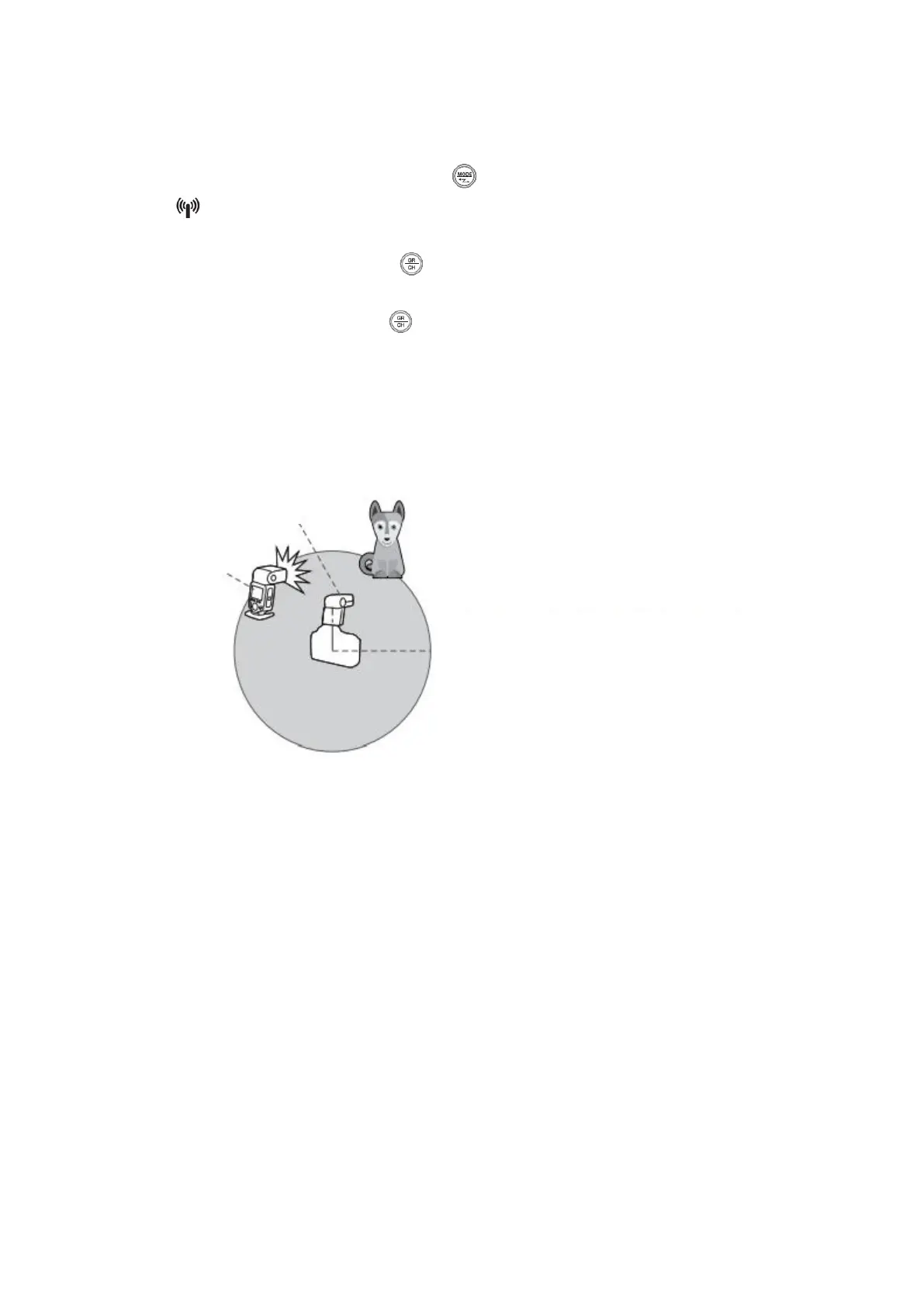
• TT600 has 2.4G ratio transmission (Master/Slave)
• Wireless mode setting: Long press < > button and hold for 2 seconds until
< > icon is blinking. Turn the Select Dial to set from OFF/Master(M)/Slave(S)
mode.
• Channel setting: Long press < > button and hold for 2 seconds until the figure
besides the CH is blinking. Turn the Select Dial to choose the channel from 1~32.
• Group setting: Short press < > button to select group. In master mode, groups
can be selected from M/A/B/C/D/E, while in Slave mode, groups can be selected
from A/B/C/D/E.
• As TT600 adopts Godox wireless X system, it is compatible with AD3600II-C,
AD360II-N, TT685C, TT685N, X1T-C, X1T-N wireless control, etc.
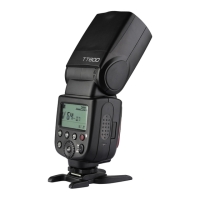
• See the picture below:


 To Next Page