28
In Manual Zoom mode, press the <ZOOM> button.
• Turn the Select Dial to change the flash coverage.
• If < > is displayed, the flash coverage will be set automatically.
• If you set the flash coverage manually, make sure it covers the lens focal length
so that the picture will not have a dark periphery.
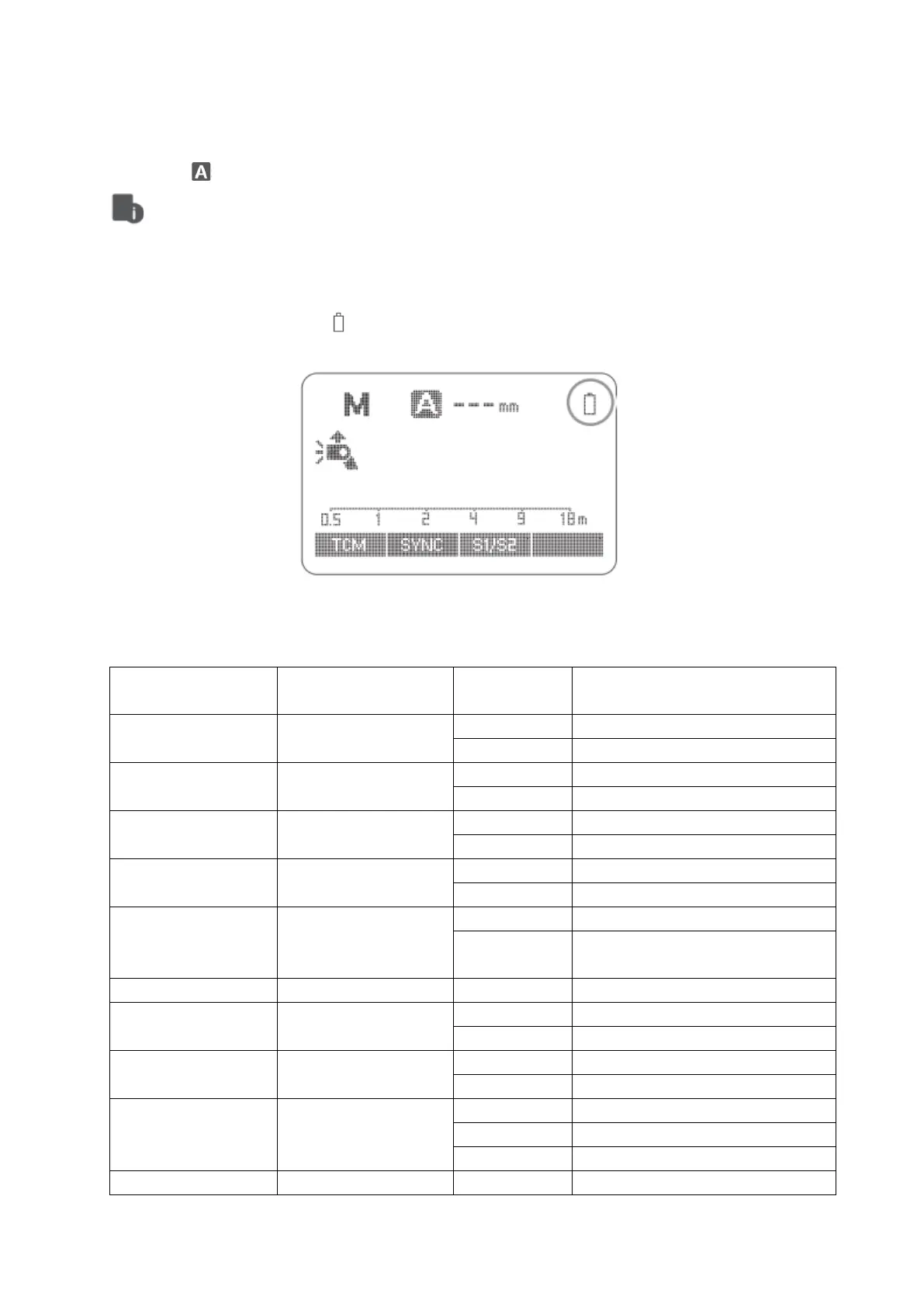
Low Battery Warning
If the battery power is low < > will appear and blink on the LCD panel. Please replace
the battery immediately.
C.Fn: Setting Custom Functions
The following table lists the available and unavailable custom functions of this flash.


 To Next Page