10
Note: As flash times are restricted by flash output value and flash frequency, the flash
times cannot be surpassing the upper value that permitted by the system. The times
that transported to the receiver end are a real flash time, which is also related to the
camera’s shutter setting.
Modeling Lamp Settings
Long press the <MENU> button for 2 seconds to control the ON/OFF of the modeling
lamp.
ZOOM Value Settings
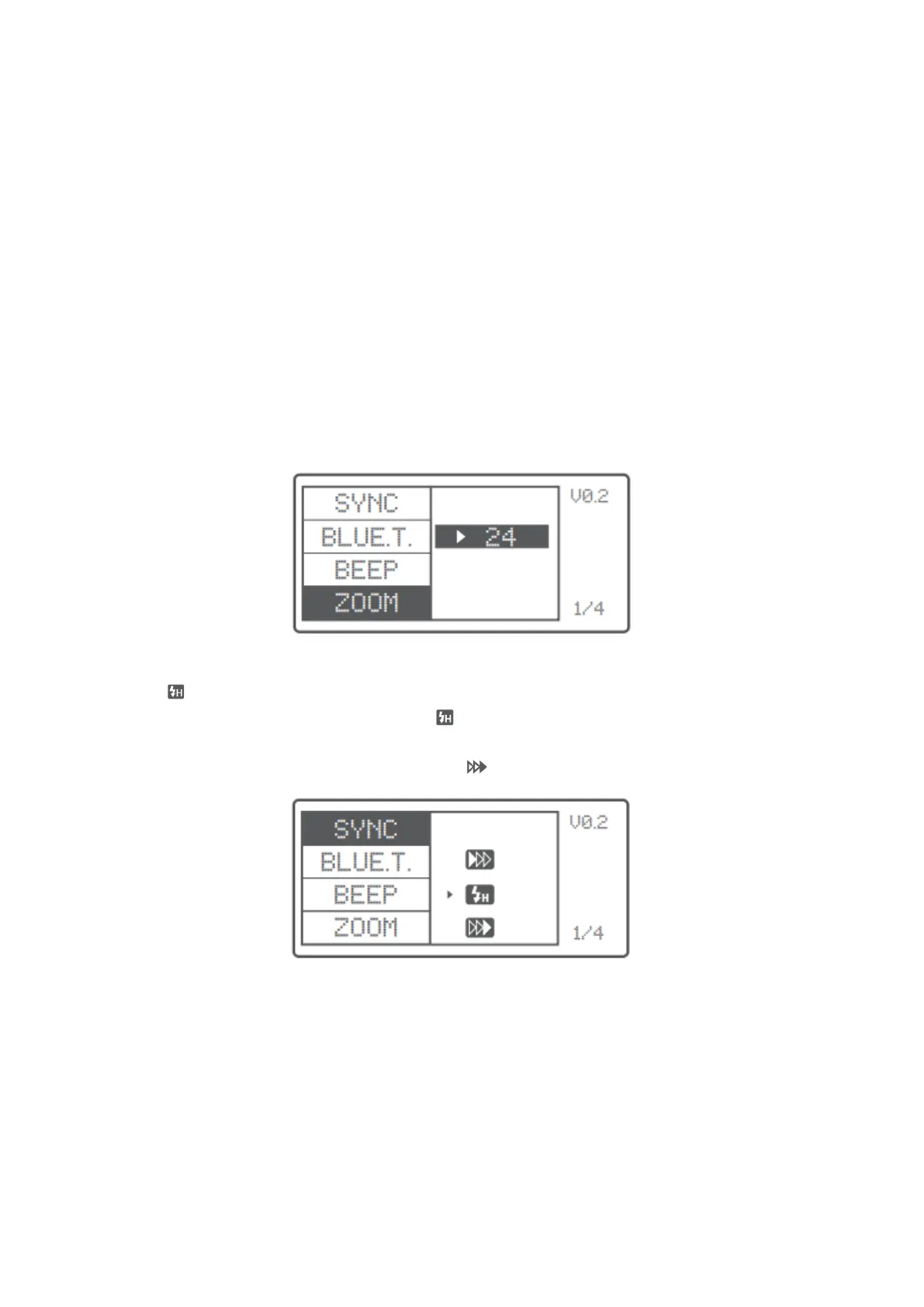
Short press the <MENU> button to enter the ZOOM menu. Short press the <SET> button
and turn the select dial, and the ZOOM value will change from AUTO/24 to 200. Choose
the desired value and back to the main menu.
Note: The flash’s ZOOM should be set to Auto (A) mode before responding.
Shutter Sync Settings
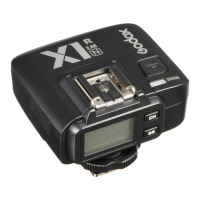
• High-speed sync: short press the <MENU> button to enter the SYNC menu.
Choose high-speed sync icon and is displayed on the LCD panel.
• Second-curtain sync: short press the <MENU> button to enter the SYNC menu.
Choose second-curtain sync icon and is displayed on the LCD panel.



 To Next Page