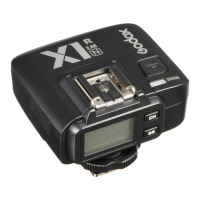
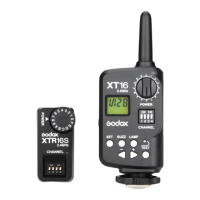
Restore Factory Settings
Hold the MODE button and power the flash trigger on and all parameters will restore
the factory settings.
Firmware Upgrade
This flash tigger supports firmware upgrade through the Type-CUSB port. Updated
information will be released on our official website.
• USB connection line is not included in this product. As the USB port is a Type-C
USB socket, please use Type-C USB connection line.
• As the firmware upgrade needs the support of Godox G3 software, please
download and install the “Godox G3” firmware upgrade software” before
upgrading. Then, choose the related firmware file.



 To Next Page