17
Connect to Smartphone through Bluetooth
Using method:
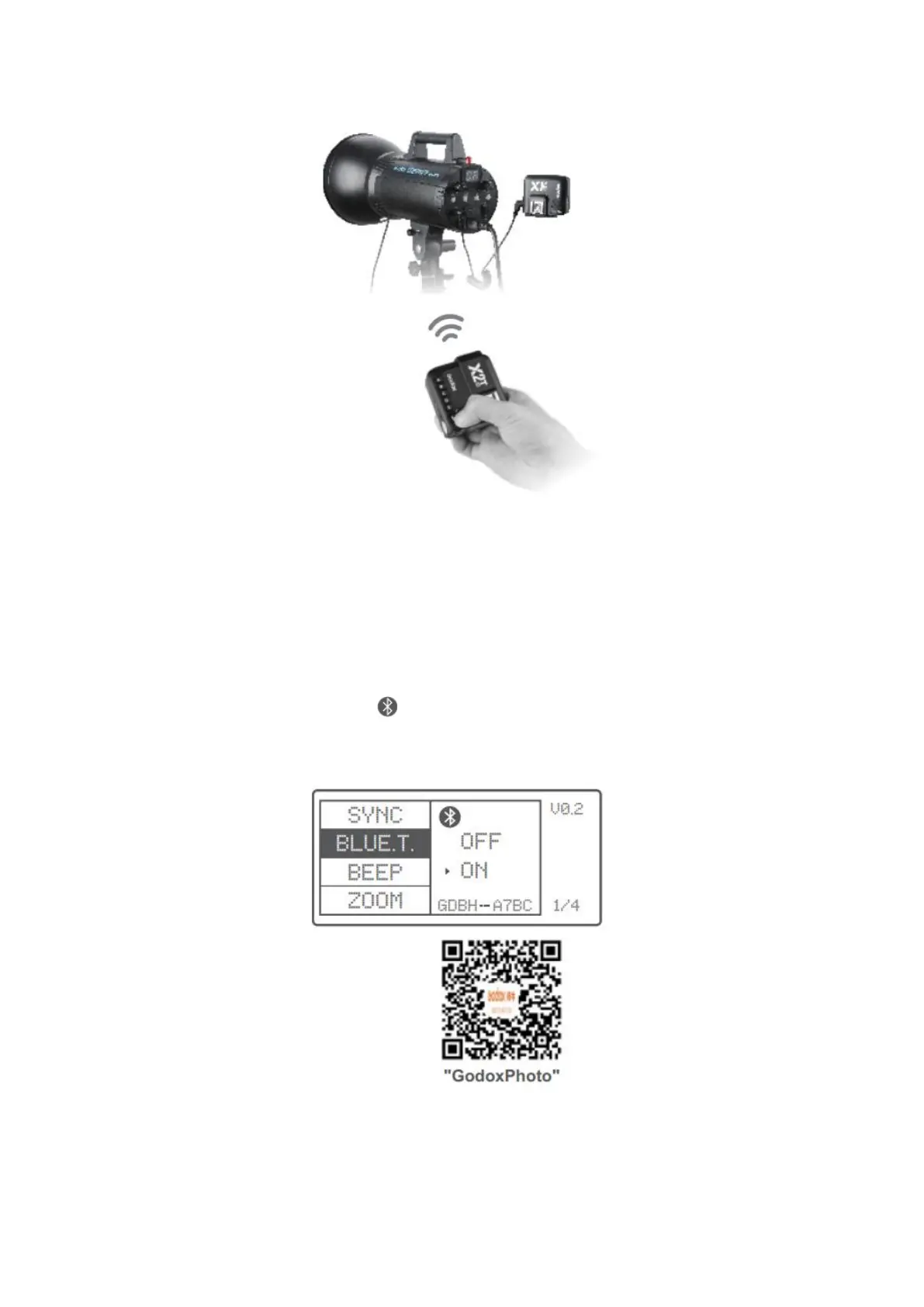
• Short press the <MENU> button to enter BLUE.T. to open the Bluetooth. The
Bluetooth ID will be displayed under ON.
• Search “Godox Photo” in iPhone’s APP store and download the APP. Or install the
APP by scanning the QR Code with your smartphone.
• Open the APP and choose .
• Connect the transmitter to the responded Bluetooth ID and enter the password
to match (the initial password id “000000”).



 To Next Page