16
As a Wireless Shutter Release Trigger
Operation method:
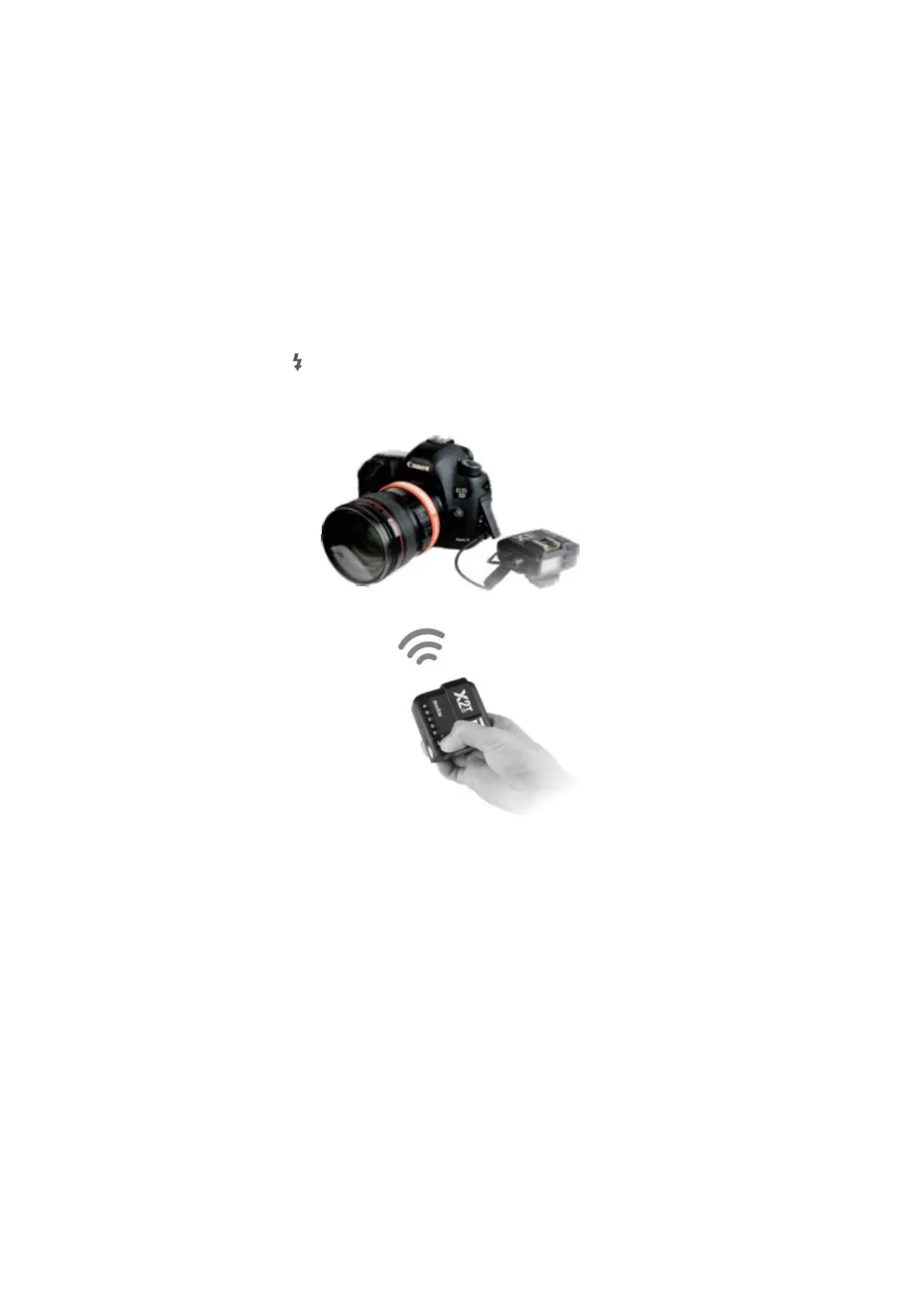
• Turn off the camera. Take a camera remote cable and insert one end into the
camera’s shutter socket and the other end to the shutter release port of X1R-C to
connect. Power on the camera and the receiver.
• Short press the <MENU> button to set channel, group, mode and parameters
refers to the contents of “Setting the Flash Trigger”).
• Press the receiver’s <CH> button to set the same channel to the flash trigger and
press the <Gr> button to set the same group to the flash trigger.
• Half press the < > button to focus and full press the <TEST> button to shoot.
Release the button until the status lamp turns to red.
As a Flash Trigger with 3.5mm Sync Cord Jack
Operation method:
• The connection method please refers to the contents of “As a Wireless Studio
Flash Trigger” and “As a Wireless Shutter Release”.
• Set the transmitter end’s sync cord jack as an output port. Operation: press the
<MENU> button on the transmitter end to enter C.Fn settings. Then, set PC SYNC
to OUT mode.
• Press the shutter normally and the flashes will be controlled by sync cord jack’s
signal.



 To Next Page