15
As a Wireless Studio Flash Trigger
Take GS400II as an example:
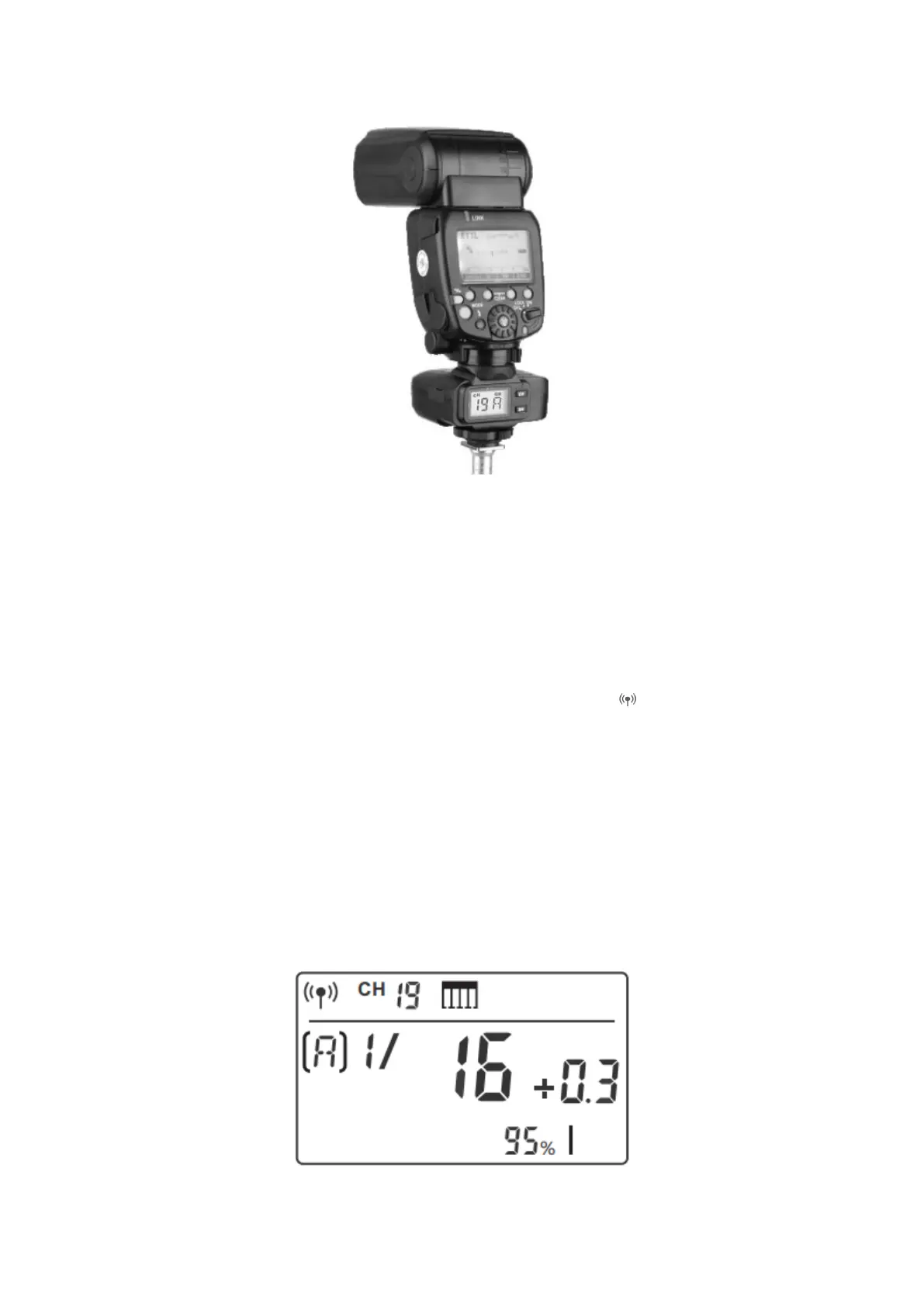
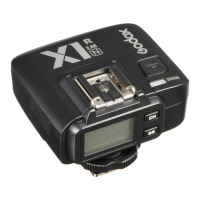
• Turn off the camera and mount the transmitter on camera hot shoe. Then, power
on the flash trigger and the camera.
• Short press the <MENU> button to set channel, group, mode and parameters
(refers to the contents of “Setting the Flash Trigger”).
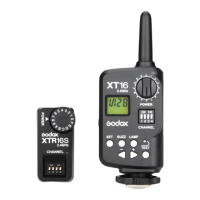
• Connect the studio flash to power source and power it on. Synchronously press
down the <GR/CH> button and <S1/S2> button and the < > wireless icon will be
displayed on the LCD panel. Long press the <GR/CH> button to set the same
channel to the flash trigger, and short press the <GR/CH> button to set the same
group to the flash trigger. (Note: please refer to the relevant instruction manual
when setting the studio flashes of other models).
• Press the camera shutter to trigger. And the status lamp of the camera flash and
the flash trigger both turn red synchronously.
Note: As the studio flash’s minimum output value is 1/32, the output value of the flash
trigger should be set to or over 1/32. As the studio flash do not have TTL and
stroboscopic functions, the flash trigger should be set to M mode in triggering.



 To Next Page