7
5.0 OPERATING INSTRUCTIONS
The following are basic operation instructions to take an X-ray image using the XRS4. Certain applications may
require modications to these basic procedures.
DETERMINE PULSE INITIATION METHOD:
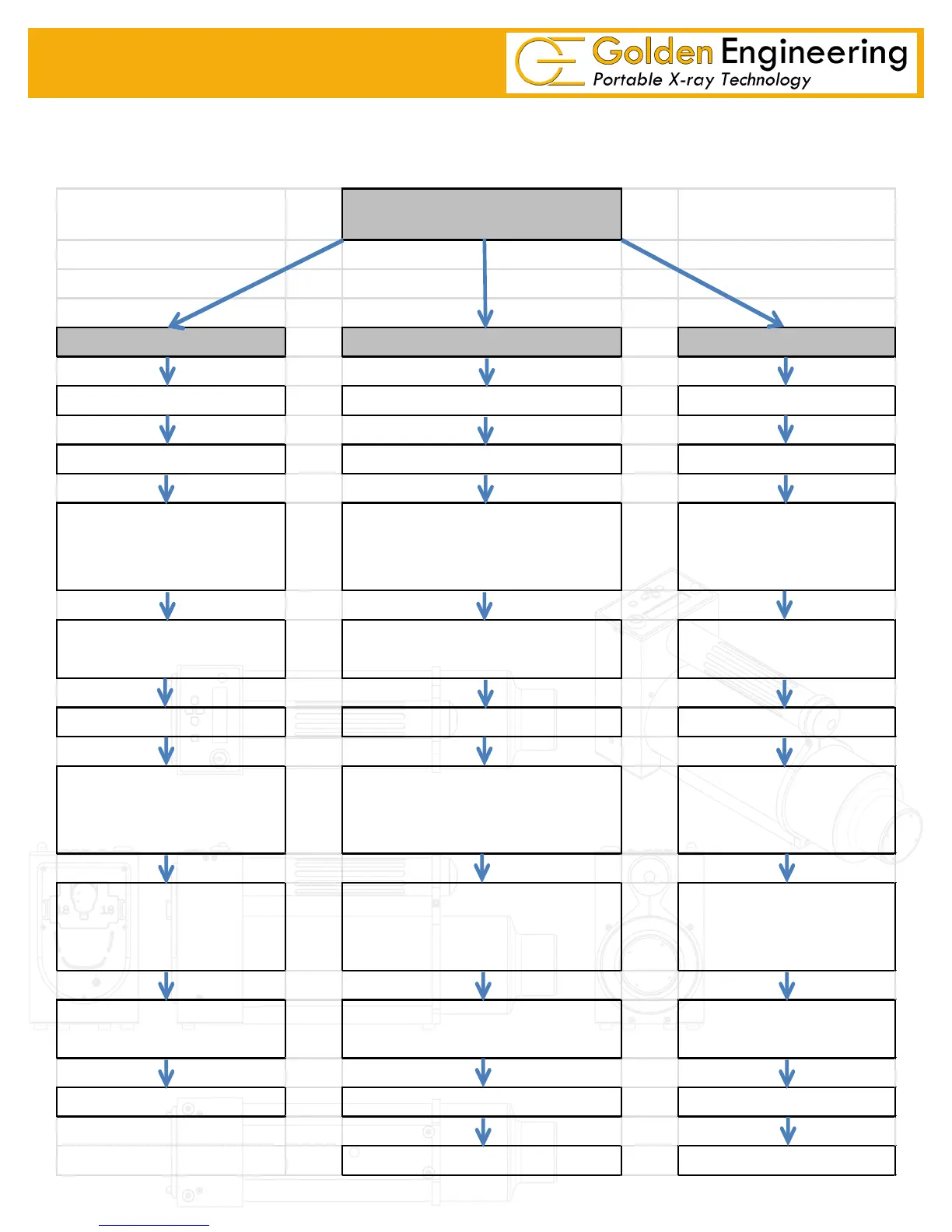
DR, REMOTE CABLE, TIME DELAY
DR REMOTE CABLE TIME DELAY
Attach Battery Attach Battery Attach Battery
Connect System Attach Cable Position XRS-4*
Position XRS-4* Position XRS-4*
Turn on XRS-4 using key and
turning clockwise 1/4 turn
Turn on XRS-4 using key and
turning clockwise 1/4 turn
Turn on XRS-4 using key and turning
clockwise 1/4 turn
Set Pulse Count (pg. 11)
Set pulse count to 200 (pg. 11) Set Pulse Count (pg. 11)
Retreat to imaging system
controller (computer)**
Retreat length of cable behind the
XRS-4**
Press left and right buttons
simultaneously to initiate
time delay
Follow imaging system
instructions to set pulses and
initiate pulse train
Press and hold cable button down to
initiate and complete pulse train
Retreat safe distance
behind XRS-4**
View Image Retreive image plate or film cassette
Retreive image plate or film
cassette
Turn off XRS-4 View Image View Image
Turn off XRS-4 Turn off XRS-4



 To Next Page