13
SETTINGS MENU
Continued from previous page.
ART 7T/G2+ MONITOR
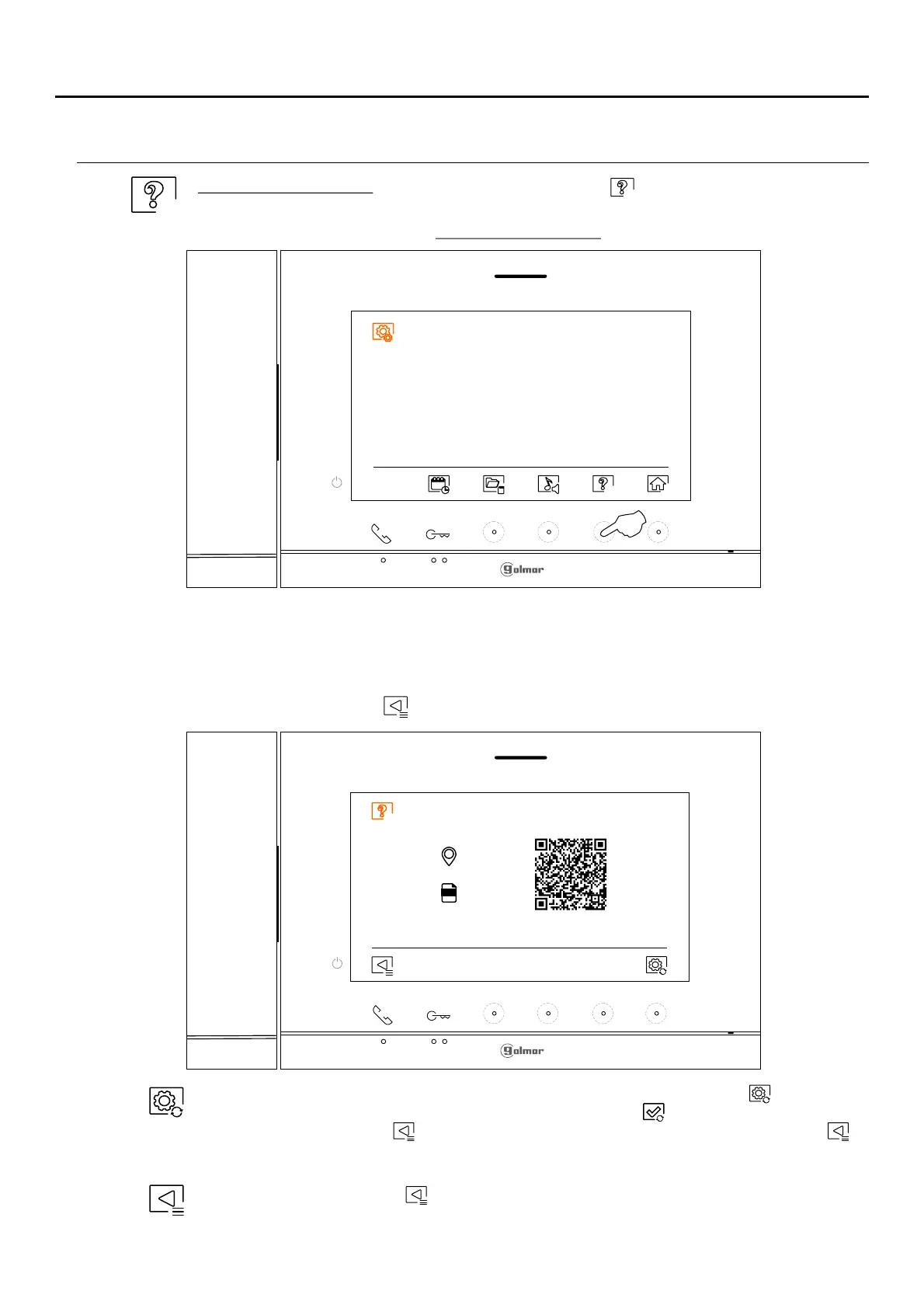
The 'About' screen provides information about the monitor, such as the software version, address
and whether it is master or slave (M, S1, S2 or S3).
It enables updated versions of the manual to be downloaded to a mobile or tablet, for which it is
necessary to have a QR code scanner app installed.
It enables the monitor to be restored to factory settings, such as melodies, call volume, etc.
Press the button below icon to return to the settings menu.
To restore the monitor to factory settings, press the hidden button below icon to access the
factory reset menu, then press the hidden button below icon to perform this function. Press
the button below icon to return to the 'About' screen. Press the button below icon to
return to the settings menu.
Press the button below icon to return to the settings menu.
Select the "About" screen: Press the hidden button below icon to access the settings screen.
Settings menu screen
Continued overleaf
FW
0 2 /0 M
1 .0.0















 To Next Page