27
MONITOR ART 7 /G2+H
Continued from previous page.
PERIOD OF TIME FOR 'DO NOT DISTURB' MODE MENU
Main menu
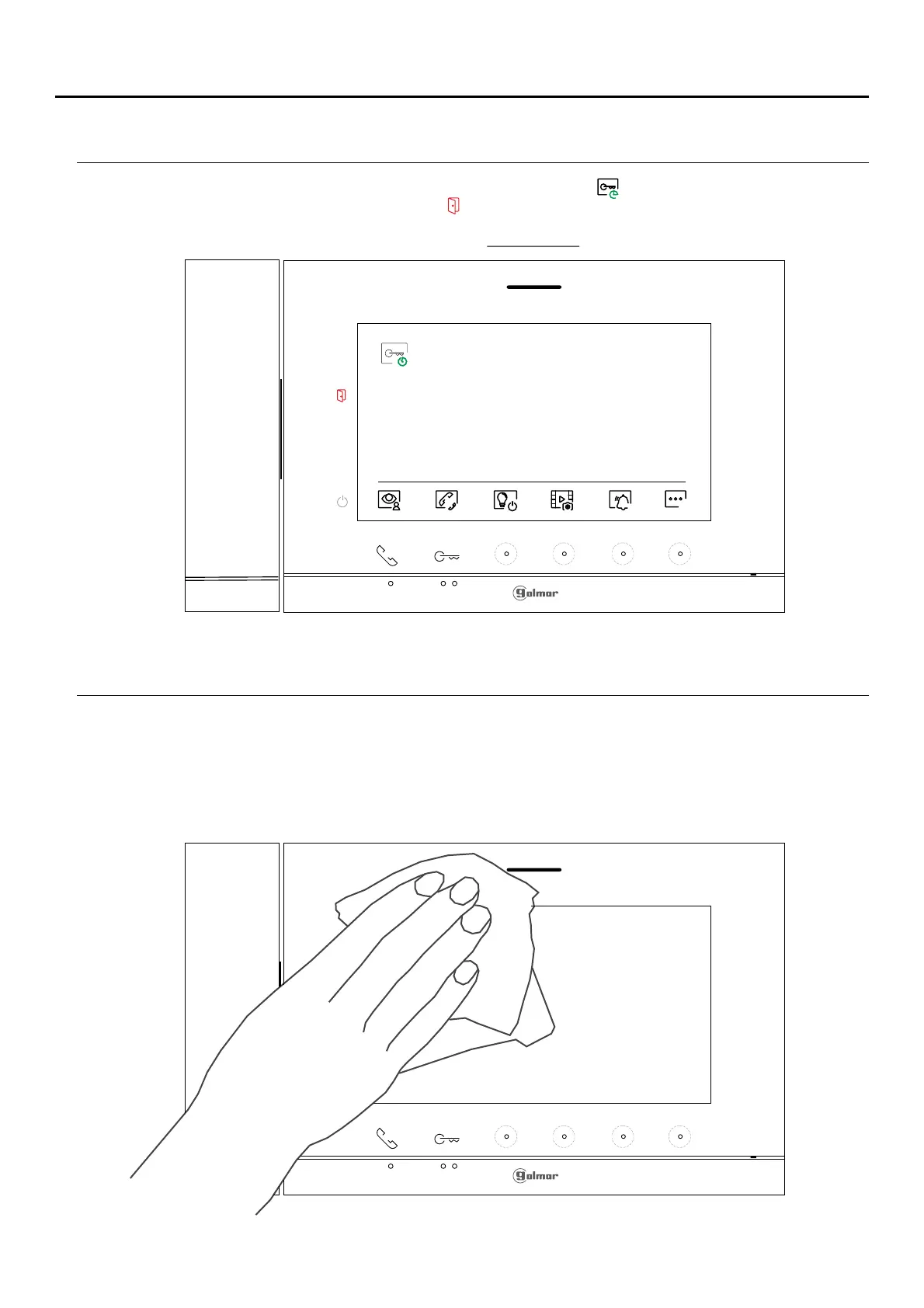
If the "automatic door opening" mode has been activated (see page the icon will be displayed at the top left of26),
the main menu screen and the lednotification icon will blink.
CLEANING THE MONITOR
- Do not use solvents, detergents or cleaning products that contain acids, vinegar or abrasive components
.
- Use a soft damp cloth (not wet) that sheds no fibres..
..
-Always wipe the monitor in the same direction, from top to bottom.
..
-After cleaning the monitor, remove any moisture with a soft dry cloth that sheds no fibres.
09:27
23-09-2023















 To Next Page