17
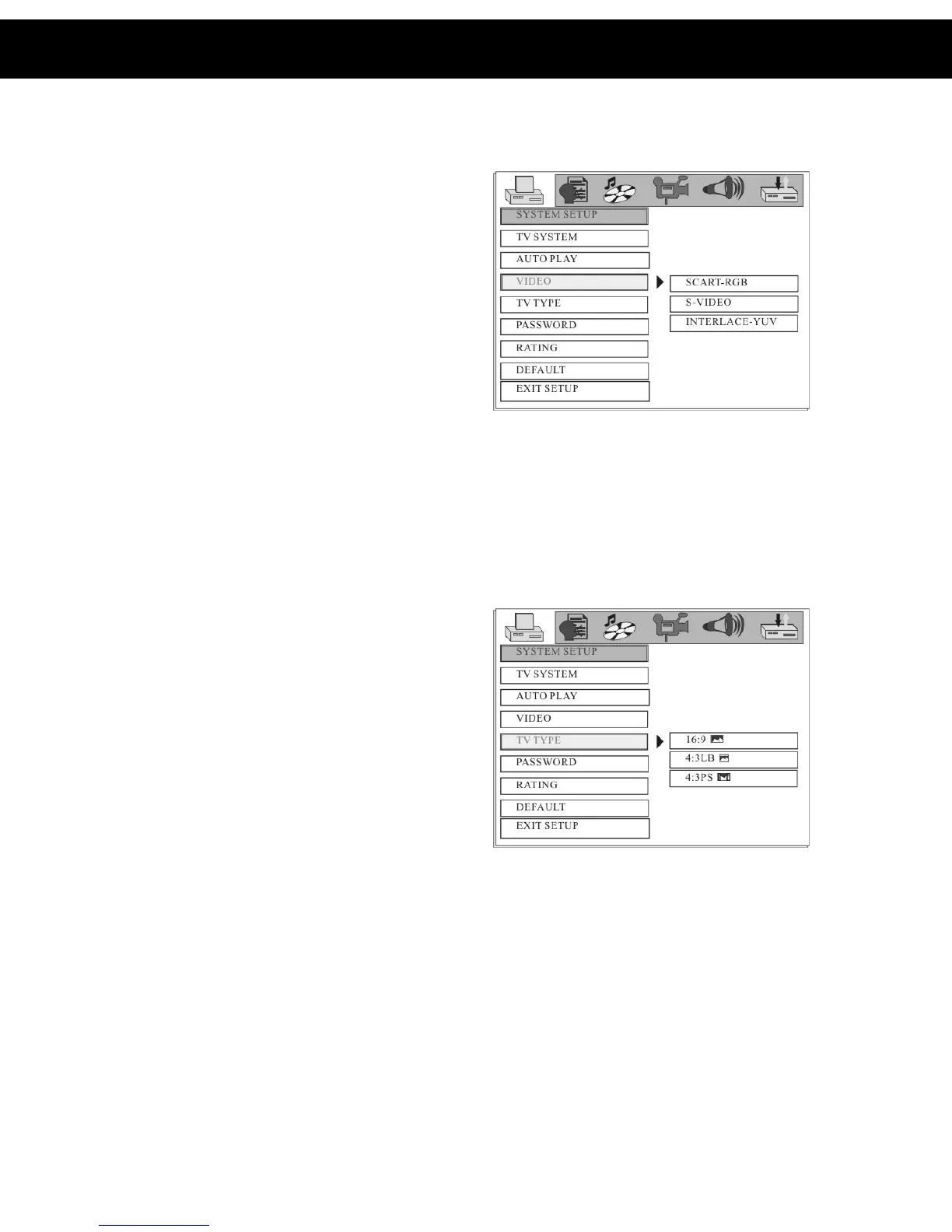
5.1.3 VIDEO
• SCART-RGB: Select this option
if the DVD player is connected to
the DVB-T from the SCART-RGB
output terminal.
• S-VIDEO: Select this option if
the DVD player is connected to the
TV using an S-Video cable
• Interlace-YUV: Select this option
if the DVD player is connected to
the TV using component cables.
• When connecting using a
composite cable, any of the above
selections can be used.
DEFAULT: SCART-RGB
5.1.4 TV TYPE
• 16:9: Select this setting if the player is connected to a 16:9 (widescreen)
TV. If this option is selected when viewing on a 4:3 (normal) TV, black
lines may appear to the left and right of the screen.
• 4:3PS (Pan and Scan): Select
this setting if the player is
connected to a 4:3 (normal) TV.
The movie will fill the entire screen
of the TV, however the left and
right edges of the picture may not
be seen.
• 4:3LB (Letterbox): Select this
setting if the player is connected to
a 4:3 (normal) TV. The movie will
be displayed in it’s original aspect
(height to width) ratio, however
black bars may appear above and below the picture
NOTE:
The image shown is related to the recorded disc format. Some discs may not
play using the TV TYPE selected.
DEFAULT: 16:9
5. DVD Setup Menu (cont)














 To Next Page