32
To resume normal playback press the PLAY/PAUSE () button.
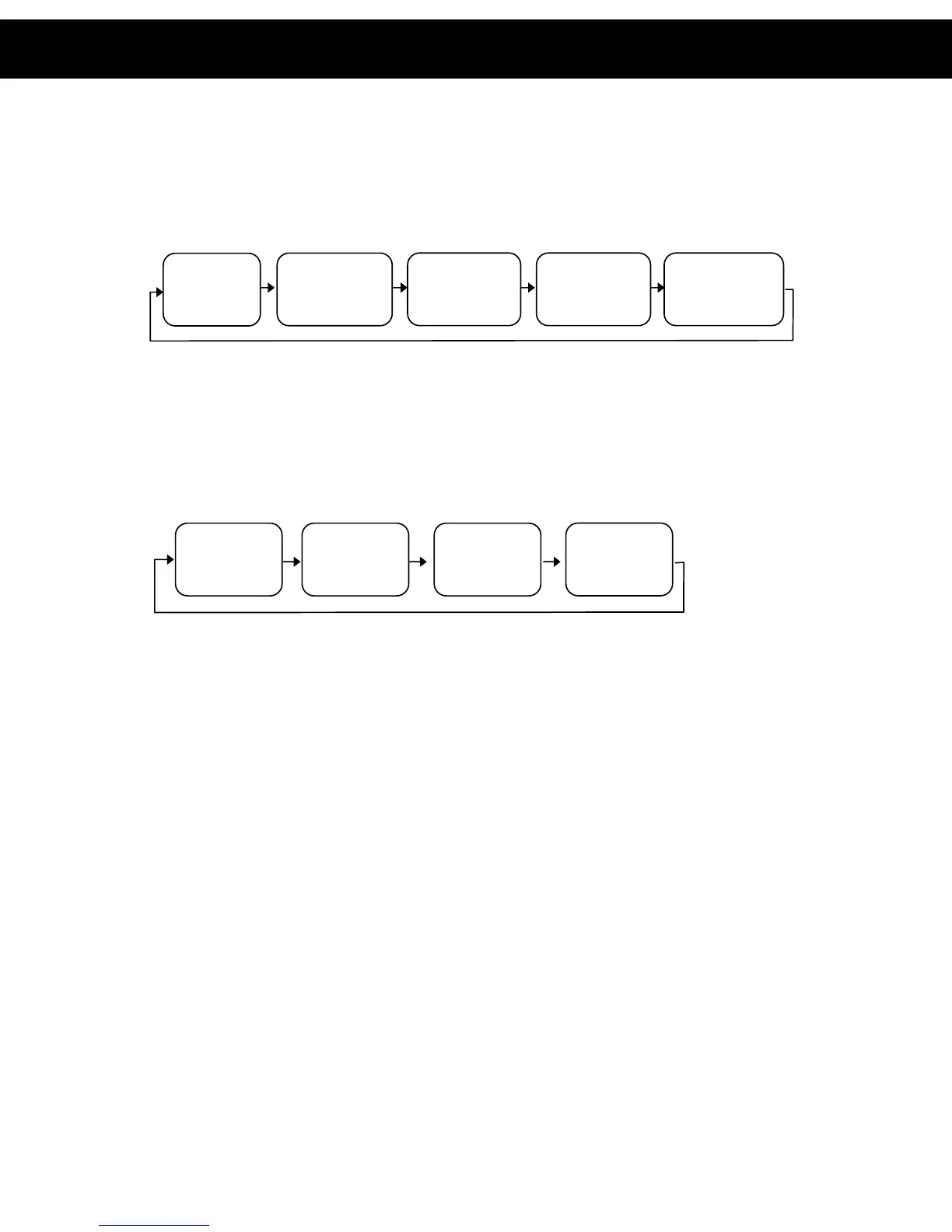
Press the SEARCH BACKWARD () repeatedly during playback to cycle through
the different speeds (i.e. 2x normal speed, 4x normal speed etc) for search
backwards as follows:
To resume normal playback press the PLAY/PAUSE () button
7.7 Repeat
Press the REPEAT button to cycle through the available repeat modes as follows:
7.8 Rotate/Flip (JPEG CD ONLY)
When viewing a picture, use the DIRECTIONAL button to rotate or flip the image.
y UP button: Flip Vertically
y DOWN button: Flip Horizontally
y LEFT button: Rotate by 90° anti-clockwise
y RIGHT button: Rotate by 90° clockwise
7.9 Sequential Play (JPEG CD ONLY)
To display all images on the CD press the PLAY () button. All pictures will then
be shown as a slide show.
7.10 Picture Transition Effects (JPEG CD ONLY)
When viewing the pictures as a slide show, press the PROGRAM button to cycle
through the picture transitions effects (the method used to change between
photos). The available effects are as follows:
y Wipe Top
y Wipe Bottom
y Wipe Left
y Wipe Right
y Diagonal Wipe Left Top
PLAY
BACKWARD X2 BACKWARD X4 BACKWARD X8 BACKWARD X20
7. MP3/JPEG CD Operation (cont)
Repeat 1: repeat
the currently track
Repeat All: repeat
all tracks
Repeat OFF: repeat is
turned off and disc will
la
as normal
Repeat Dir: repeat
all tracks in the
current director
7. MP3/JPEG CD Operation (cont)
REP: [1] REP: [DIR] REP: [ALL]
REP: [1]














 To Next Page