53
You can exit the Timer screen and return to normal TV viewing by pressing
[MENU].
11.6. Re-Installation
Although your DVB-T receiver will not lose its settings or stored channels when
switched off, you may wish to re-install the receiver because you have moved to a
different area with different broadcast frequencies, you wish to reinstate a channel
previously deleted from the channel list, or you want to watch new channels which
have started broadcasting.
Press the [MENU] key to display the Main Menu and using the [UP] or [DOWN]
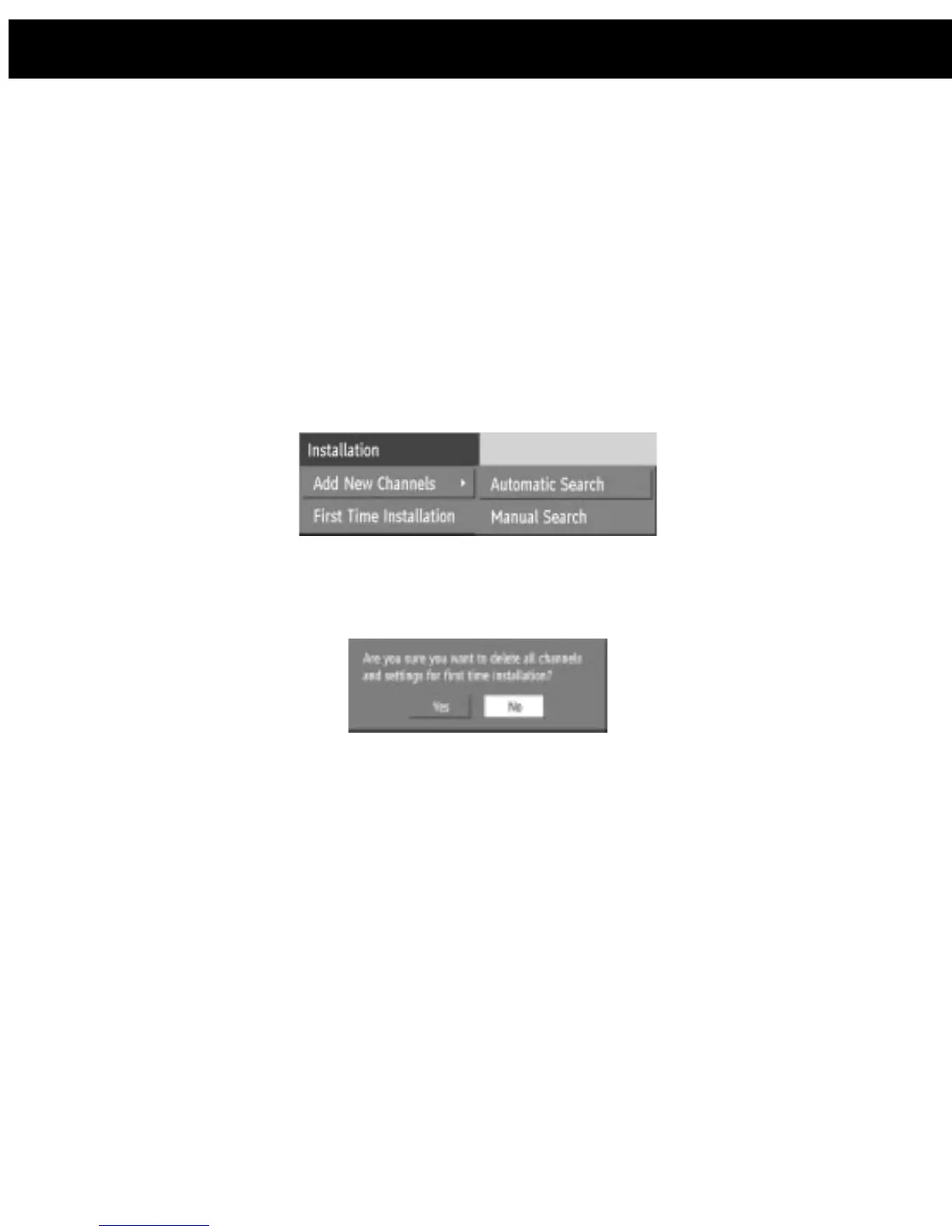
keys, highlight the Installation line and press [SELECT] to display the Installation
Menu. You can either perform a First Time Installation, effectively resetting the
receiver to it sex-factory condition, or just search for channels.
11.6.1. First Time Installation
To reset the receiver, highlight the First Time Installation line in the menu and
press [SELECT]. A warning screen is displayed in case of accidental operation.
Highlight the YES button with the [LEFT] or [RIGHT] key and press [SELECT] to
erase all the channels and settings and switch the receiver to standby. You can
now start again as detailed in Section 9 -DVB-T Preparation - Tuning In.
11.6.2. Add Channels
The DVB-T receiver can search for channels automatically (searching all the
broadcast frequencies for free-to-air channels) or manually (searching one
specified broadcast frequency only for any channels to be found there).
Press the [MENU] key to display the Main Menu and using the [UP] or [DOWN]
keys, highlight the SETTINGS line and press [SELECT] to display the setting
Menu, using the [UP] or [DOWN] keys to highlight the Installation line and press
[SELECT] to display the Installation Menu. Highlight the AUTOMATIC SEARCH
line and press [SELECT] . A warning message is displayed. This starts the
automatic tuning process as described in Section 9 – DVB-T Preparation - Tuning
In, and searches through all the available broadcast frequencies for free-to-air
channels. Previous channels will be replaced on automatic search.
11. DVB-T Advanced operation














 To Next Page