54
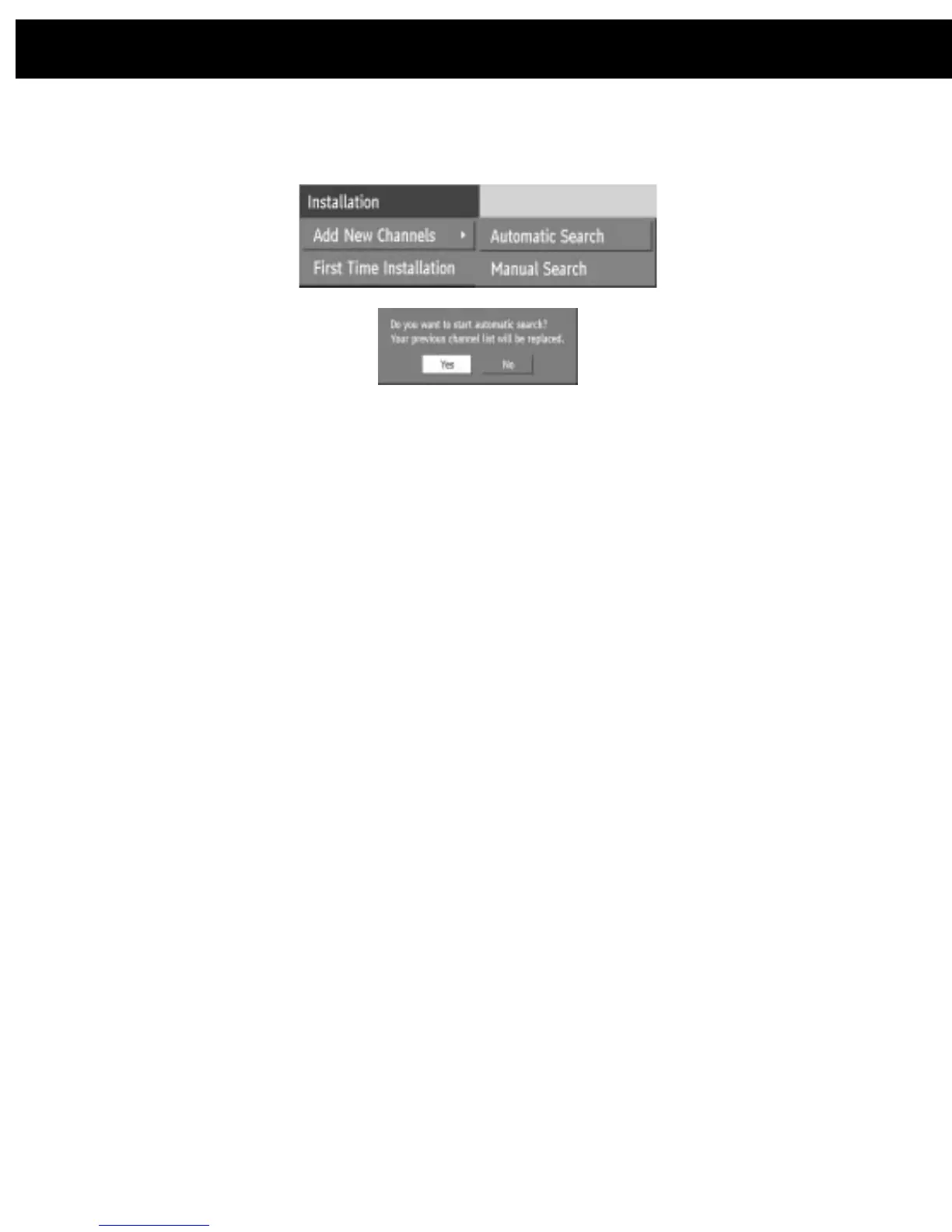
If, alternatively, from the search options menu the Manual Search line is
highlighted and [SELECT] pressed, the manual search screen is displayed.
Highlight the YES button with the [LEFT] or [RIGHT] key and press [SELECT] to
start the automatic search.
This is for searching for digital channels on a single broadcast frequency. The
frequency channel number (21-69) is entered in the box at the top left of the
screen and the received signal level and signal quality can be observed on the
two bar graphs at the bottom. When [SELECT] is pressed, the receiver searches
that frequency and display a list of the channels found. Before returning to the
Installation menu.
Hint:
The bar graphs of signal quality and signal level give a good indication of whether
any channels are likely to be found. If only the signal level graph shows a high value then it
is likely that an analogue channel occupies that broadcast frequency. If the signal quality
bar is high as well then it is a digital frequency and digital channels will probably be found.
Again, channels which duplicate those already in the channel list are ignored.
However, the manual channel search will find all channels on the broadcast
frequency/When either search is finished, press the [MENU] key to return to
normal broadcast viewing, to watch the new digital terrestrial television channels
found.
11. DVB-T Advanced operation














 To Next Page