38
watching TV by pressing the [Info] key on the remote control. Pressing the [Info]
key again removes the banner
.
Hint:
Not all channels broadcast the programme data. If the name and times of the
programme is not available then 'Not available' is displayed in the information banner.
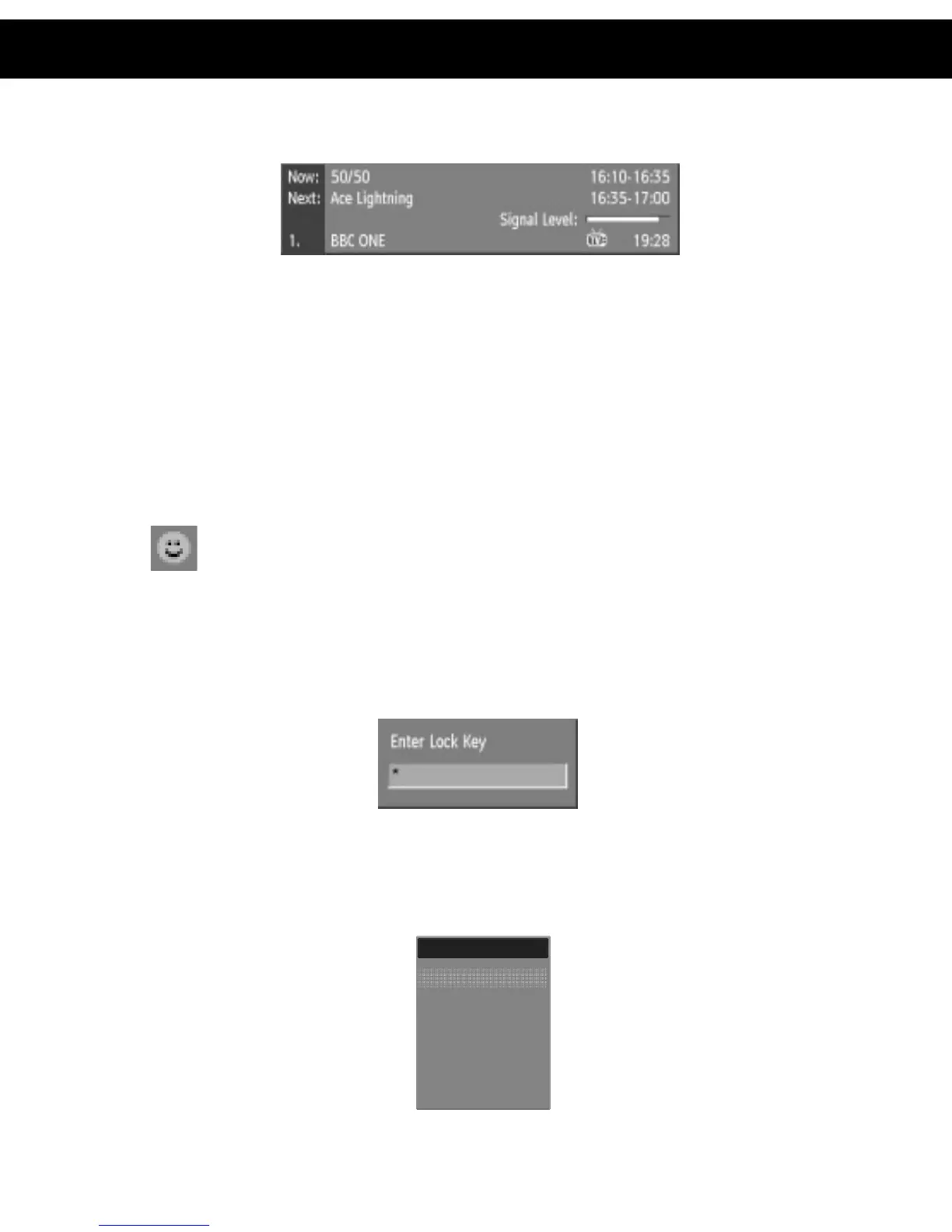
The information banner gives a number of facts on the channel selected and the
programmes on it. The name of the channel is displayed, along with its channel
list number and an indication of the strength of the signal received on this tuning
channel.
The name and the start and finish time of the programme currently showing on the
selected channel are given, and the current time.
Icons are also displayed in the information banner and if this channel is a favourite
channel (see Section 11 –DVB-T Advanced Operation – Favourite Channels).
Favourite channel
If the channel selected is locked (see Section 11 – DVB-T Advanced Operation -
Channel Protection), you must enter the correct four digit code to view the channel.
Alternatively, the [P +] or [P -] keys are used to move to another, unlocked
channel.
10.2. Channel List
You can also select the required channel directly from the on-screen channel list.
This is displayed using the DVB-T receiver's Main Menu. First bring up the menu
with the [MENU] key on the remote control handset.
10. DVB-T Everyday Operation
Channel List
Favourites
Guides
Timer
Settings
Main Menu














 To Next Page