7
User Manual V1.0-2022-10-30
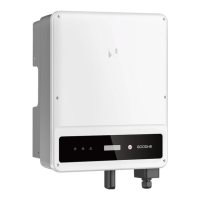
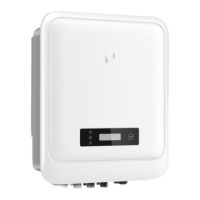
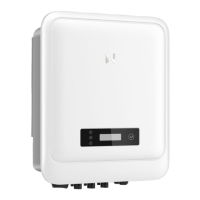
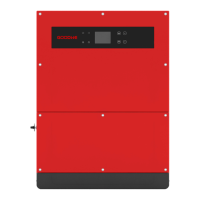
03 Product Introduction
3.4 Appearance
3.4.1 Parts
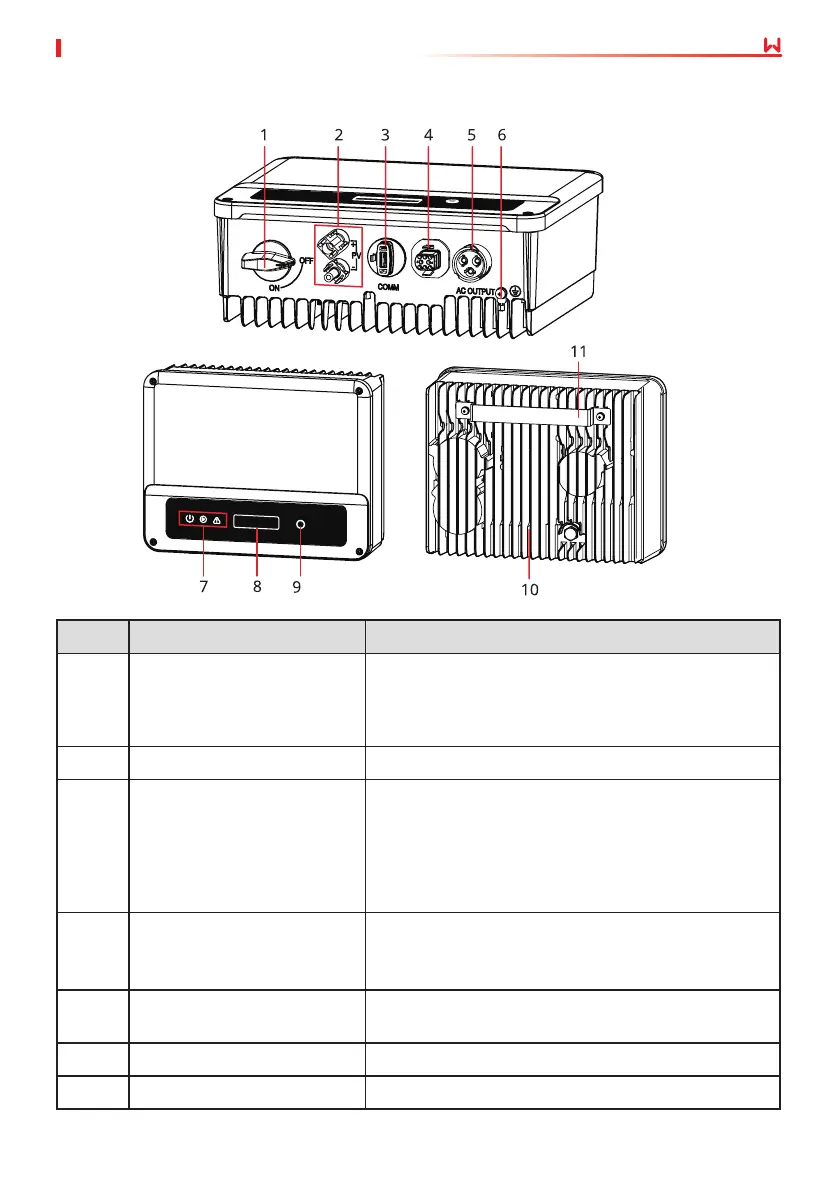
No. Parts Description
1 DC Switch(optional)
Optional. During normal operation it is in "on" state,
it can shut down the inverter after it is disconnected
from the grid by the AC breaker.
For Australia and New Zealand: With DC Switch.
2 PV Input Terminal Used to connect the PV module DC input cables.
3
WiFi/LAN/4G Communication
Module Port
• Connect a communication module like Bluetooth,
WiFi, LAN, 4G, etc. The module type may dier
depending on actual needs.
• Connect the USB-RS485 cable in Brazil.
• Update the software version of the inverter using
a USB ash driver.
4
RS485/DRED/CT/Remote
Shutdown Communication
Cable Port(optional)
Optional. Used to connect the RS485, DRED, CT, or
Remote Shutdown communication cable.
5 AC Output Terminal
Used to connect the AC output cable, which connects
the inverter and the utility grid.
6 PE Terminal Used to connect the PE cable.
7 Indicator Indicates working state of the inverter.


 To Next Page
 Loading...