10 11
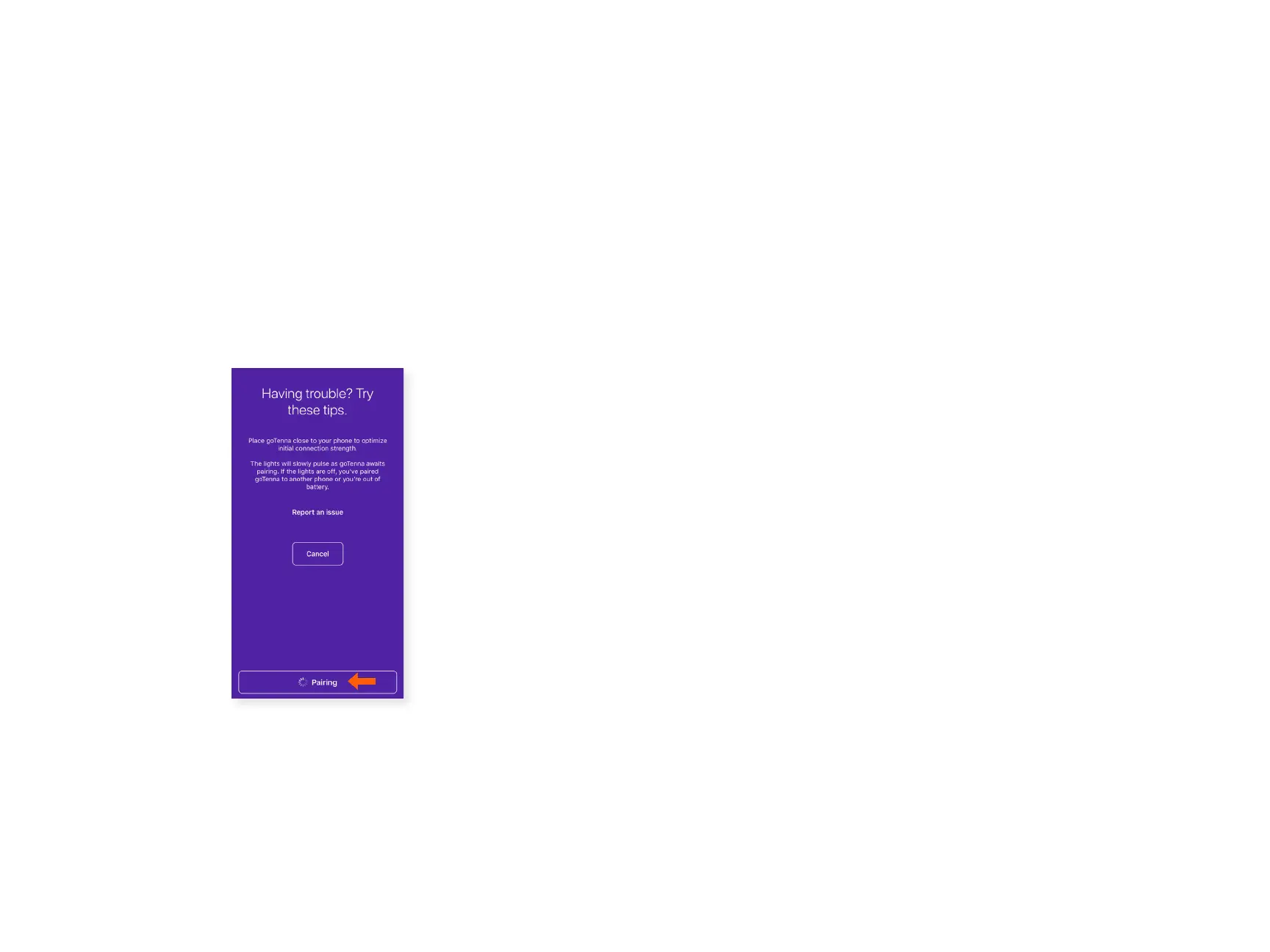
Having Trouble Pairing?
If you have trouble pairing, make sure you have location services
enabled for the goTenna app.
If you continue to have trouble, try pairing the goTenna Mesh
device to another device. This will help determine what settings
you need to update on your rst device.
If this does not work, close the goTenna app, reset your device’s
network settings, then power your device o/on. Open the
goTenna app and attempt setup again.
Place goTenna close to your
phone to optimize initial
connection strength. The light
will slowly pulse as goTenna
awaits pairing. If the light is
o, you’ve paired goTenna to
another phone or do not have
sucient battery.



 To Next Page