1.
2.
1.
2.
3.
Turning on Your Radio
Battery Low
Battery Save Mode
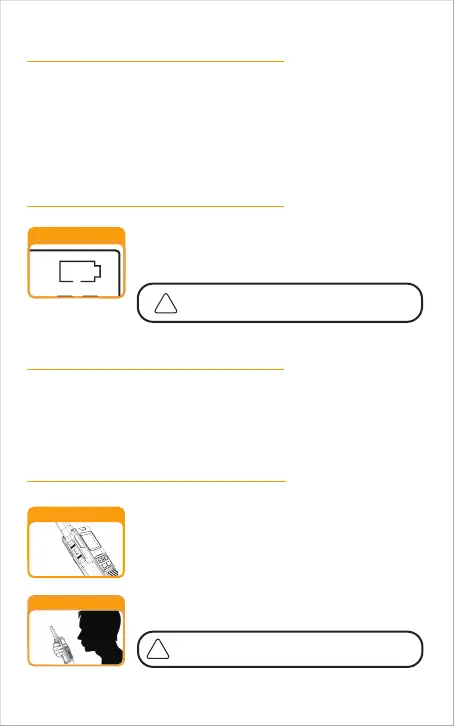
Communicating with Another Person
Press MENU button for 3 seconds to start the machine and press and hold the
button again to turn it off.
The display briefly displays all available feature ICONS on the radio.
The display screen then shows the current channel, code and all features that
are enabled.
When the battery is low, the battery bar in the battery
icon will be emptied and the radio will beep every minute
to show your battery needs to be recharged.
Battery Low
The indicator light on the radio will turn red
when charging and green when it is full.
If there are no transmissions within 10 seconds, the radio will automatically
switch to Battery Save Mode .
This will not affect the radio's ability to receive incoming transmissions.
PTT Button
2 inches from Mouth
Press and hold the PTT button.
Position the microphone about 2 inches (5 cm) from
your mouth, speak in a normal voice.
Release the PTT button when you are finished talking
and listen for a response.
You cannot receive incoming calls while pressing the PTT
button.
Both radios must be tuned to the same channel
and privacy code to communicate.
-10



 To Next Page