1.
2.
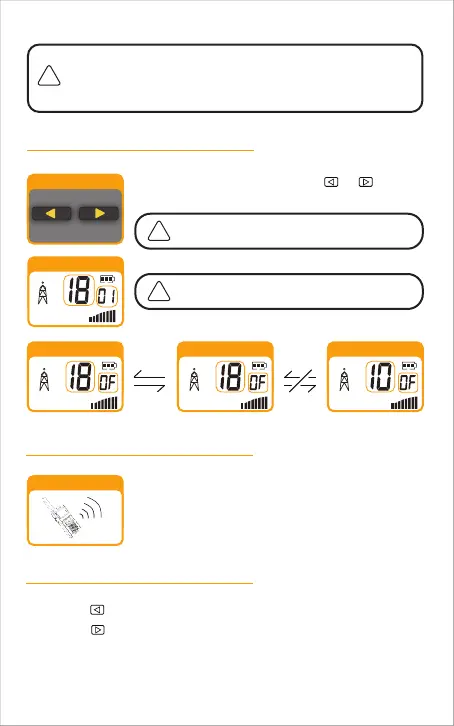
Selecting a Channel
Listening for a Response
Adjusting the Volume
Press MENU button once, then press or button.
Both radios must be tuned to the same channel
and privacy code to communicate.
See page 19 for frequency allocations charts.
Release the PTT button to receive incoming
transmissions. Your radio is always in Standby mode
while the PTT or CALL buttons are not pressed.
Press the button to decrease the volume.
Press the button to increase the volume.
Do not hold the radio close to your ear. lf the volume is set to an uncomfortable
level; it can hurt your ear.
Selector Button
Channel Number
HI
Listening
Channel Number
HI
Channel Number
HI
Channel Number
HI
This radio is equipped with default Privacy Code on each channel
for minimizing unwanted signals from others. See page 15 for
procedures changing your radio from default Privacy Code to a
different Privacy Code or disabling Privacy Code.
-11



 To Next Page