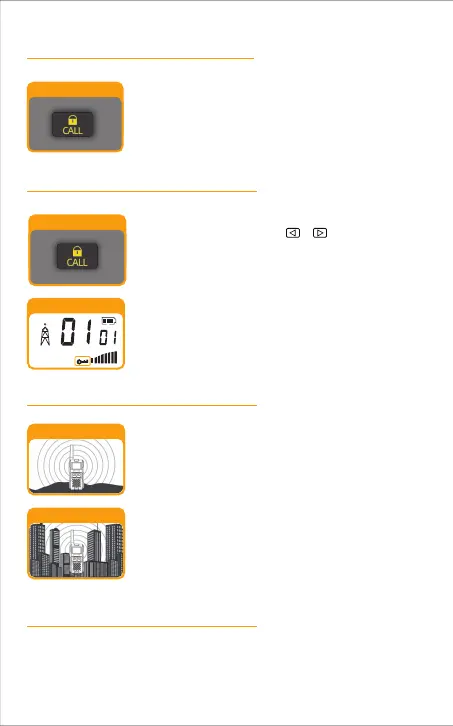
Lock Function
Range
Auto Squelch
Maximum Range
Reduced Range
Lock Button
Lock Icon
HI
The Lock function locks the , , MENU and MON
buttons to prevent accidental operation.
To turn the lock on or off:
Press and hold the Lock button for 3 seconds.
Buildings and foliage in the path of the signal can reduce
the range of the radio.
Dense foliage and hilly terrain will further reduce the
range of the radio.
Your range will vary depending on terrain and conditions.
In flat, open country your radio will operate at maximum
range.
Your radio will automatically filter out weak transmissions and unwanted noise
due to terrain, conditions limit.
A beep sound is used to confirm your lock enabled.
When in Lock mode, the Lock icon will be displayed .
Call Button
Press and release the CALL button.
The other person will hear a three second call tone. This
tone is used only to establish voice communications.
Call Button
-12



 To Next Page