Reset Factory Default
Monitoring Mode
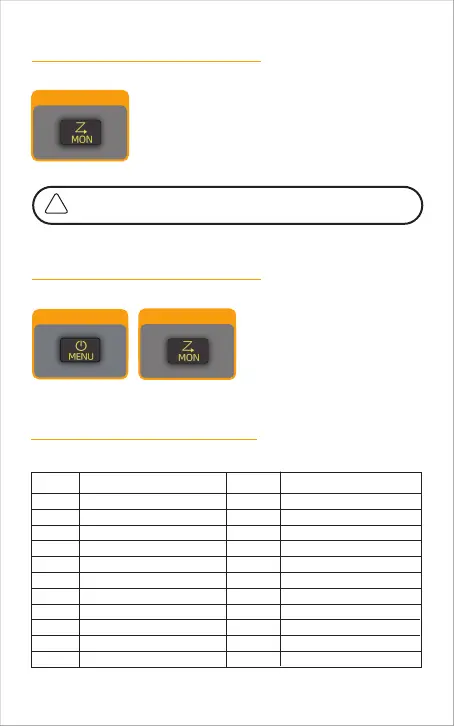
MON Button
MON Button
Enable the monitoring mode:
This mode is generally used when the signal of the other party is
weak and it is not clear or intermittent.
Hold MON button and after 3 seconds to enter the
monitoring mode. Release this button to exit the mode.
In the off state, press MENU
button and MON button at the
same time to start the radio, and
all settings will be restored to
their factory default.
MENU Button
Frequency Allocation
Freq.(MHZ) Freq.(MHZ)
462.5625
462.5875
462.6125
462.6375
462.6625
462.6875
462.7125
467.5625
467.5875
467.6125
467.6375
467.6625
467.6875
467.7125
462.5500
462.5750
467.6000
467.6250
462.6500
462.6750
462.7000
462.7250
Ch Ch
1
2
3
4
5
6
7
8
9
10
11
12
13
14
15
16
17
18
19
20
21
22
-19



 To Next Page