EasyManua.ls Logo

GPRINTER GP-1134T - User Manual

GPRINTER GP-1134T
17 pages
Print Icon
To Next Page IconTo Next Page
Loading...
Customer service hotline : 400 611 3828
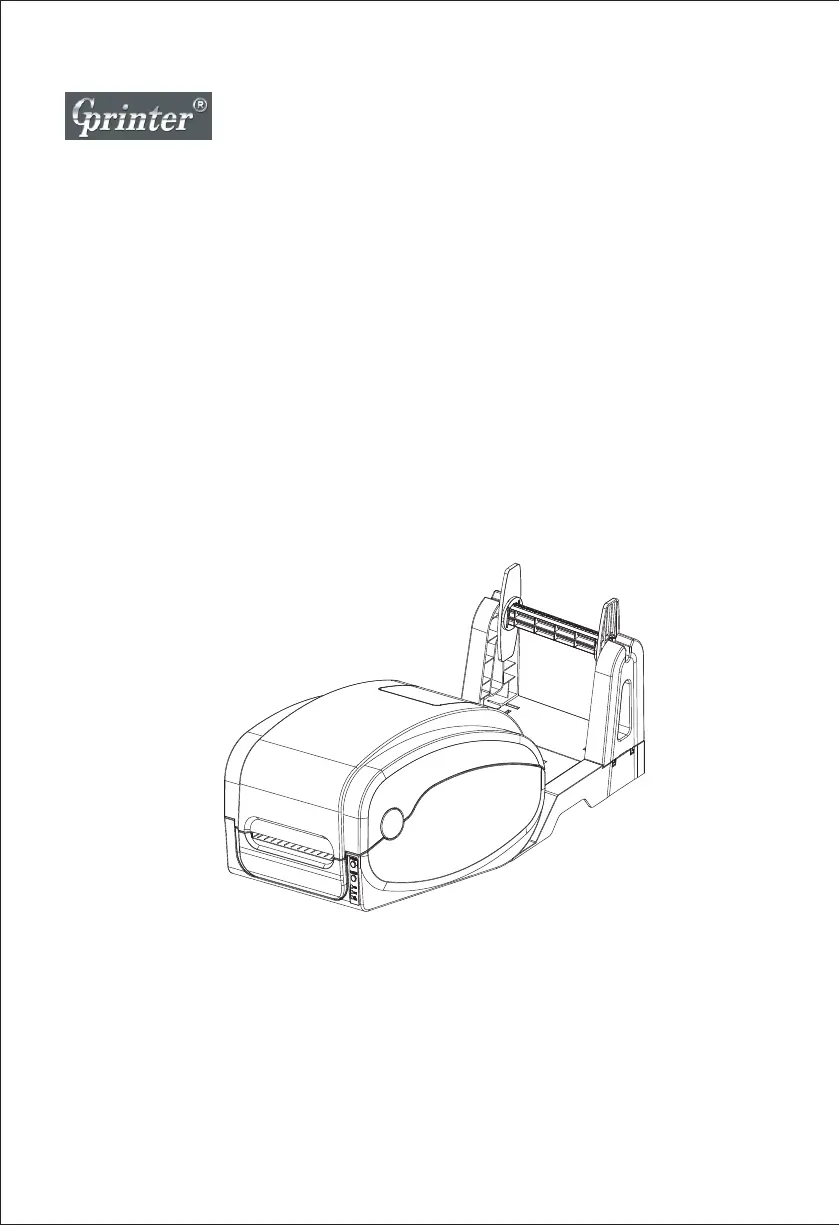
Thermal Transfer Barcode Printer
User's Manual
GP-1124T / GP-1125T
GP-1134T / GP-1135T

Questions and Answers

Summary

The Printer

Introduction

Overview of the GP-1124T/GP-1125T/GP-1134T/GP-1135T series thermal transfer barcode printers.

Product Features

Details standard and optional equipment, and printer capabilities including barcode support.

Specifications

Lists technical specifications including models, size, weight, power supply, and operating environments.

Print Specifications

Defines print head resolution, print speed, maximum print width/length, and pulse excitation.

Ribbon Specifications

Covers ribbon diameter, length, axis size, width, and winding form for the printer.

Paper Size

Details paper capacity, types, winding, width, thickness, and label length specifications.

Product Introduction

Open and Check

Instructions for unpacking and inspecting the printer for damage upon arrival, including packing list details.

Printer Components

Identifies external appearance, internal parts, and bottom ports and switches of the printer.

Installation

Install the Printer

Steps for placing the printer, connecting cables, and plugging in the power supply.

Ribbon Installation

Procedure for installing the ribbon, including opening the cover and placing the ribbon correctly.

Installation of Paper

Guide for installing label paper, including opening the cover and securing the paper roll.

LED Indicator and Function

LED Indicator

Explains the status of LED indicators for direct thermal and thermal transfer printing modes.

Button Function

Details the functions of the FEED and PAUSE buttons for printer operations.

Start Function

Describes six power-up functions: Self-test, DIP Switch page, and Debugging Mode.

Troubleshooting

Common Problems

Lists common issues like power not on, not printing, or poor print quality with solutions.

Maintenance

Printer Cleaning

Procedure for cleaning the print head, rubber roller, paper tear bar, and sensor.

GPRINTER GP-1134T Specifications

General IconGeneral
BrandGPRINTER
ModelGP-1134T
CategoryBarcode Reader
LanguageEnglish

Related product manuals