EasyManua.ls Logo

GPRINTER GP-9035T - User Manual

GPRINTER GP-9035T
19 pages
Print Icon
To Next Page IconTo Next Page
Loading...
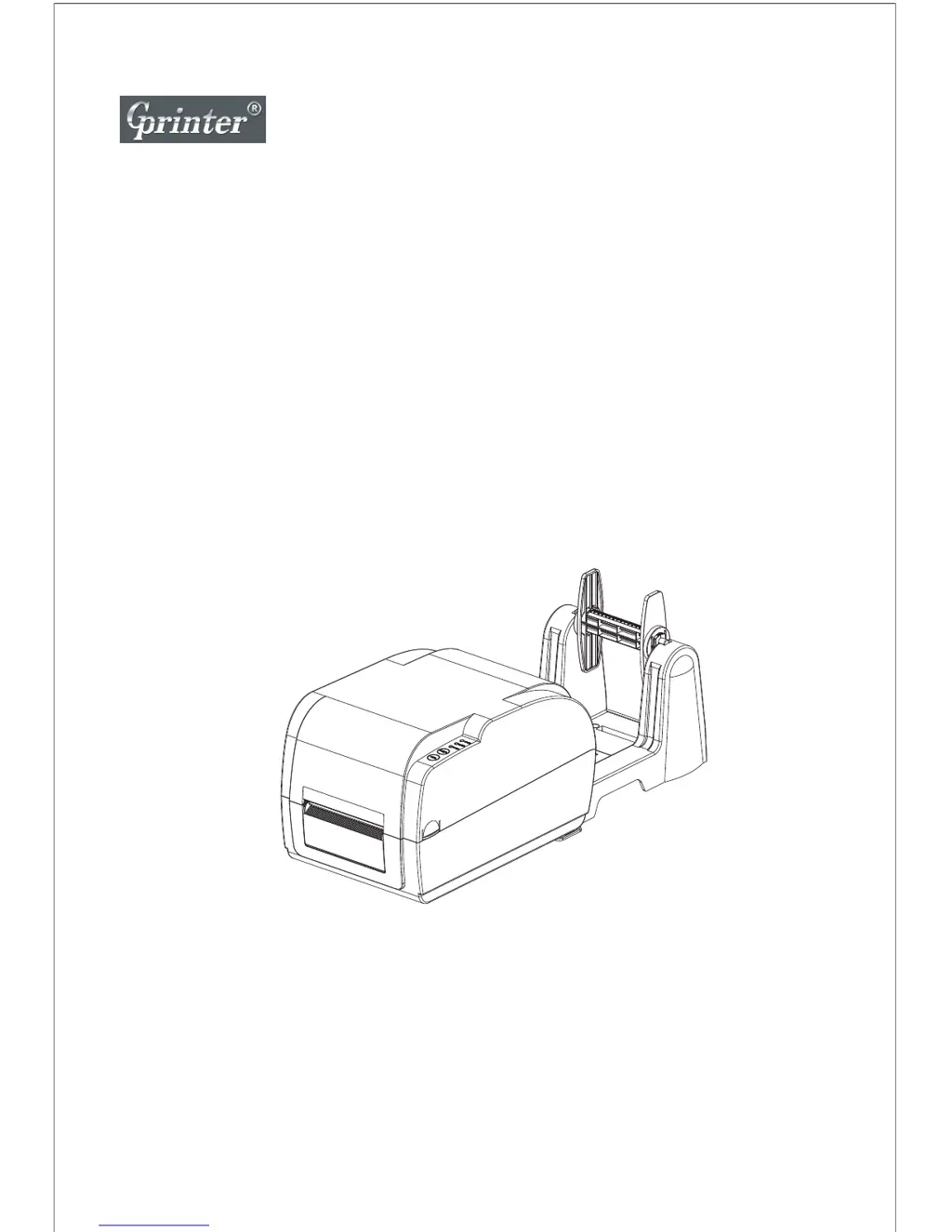
Thermal Transfer Barcode Printer
User's Manual
GP-9034T/9035T
Customer service hotline : 400 611 3828

Other manuals for GPRINTER GP-9035T

Questions and Answers

Summary

2.3 Printing Specifications

Model Comparison: Printing Specs

Compares print head, modes, speed, width, length, and reliability for GP-9034T and GP-9035T.

2.5 Paper Specifications

Model Comparison: Paper Specs

Compares paper roll capacity, types, winding, width, thickness, and label length.

5. Installation: Connections

Cable Connection Steps

Provides step-by-step instructions for connecting the printer to a power source and PC.

Ribbon Installation Guide

Guides users through installing the ribbon supply and take-up hubs correctly.

5. Installation: Media Handling

Paper Installation Guide

Steps for inserting the label roll, closing the print head, and closing the top cover.

6. LED Indicators and Functions

Direct Thermal LED Status

Explains LED indicator states for normal and error conditions in direct thermal mode.

Thermal Transfer LED Status

Details LED indicators specific to thermal transfer printing, such as ribbon status.

6. Button and Power Functions

Button Operations: FEED and PAUSE

Describes the function of the FEED button for label feeding and PAUSE for job control.

Troubleshooting: Power and Connectivity

Power Indicator Not Active

Solutions for when the printer's power indicator is not lit.

Troubleshooting: Print Quality and Stability

7. Maintenance Procedures

GPRINTER GP-9035T Specifications

General IconGeneral
BrandGPRINTER
ModelGP-9035T
CategoryBarcode Reader
LanguageEnglish

Related product manuals