EasyManua.ls Logo

GPRINTER GP-9034T - User Manual

GPRINTER GP-9034T
19 pages
Print Icon
To Next Page IconTo Next Page
Loading...
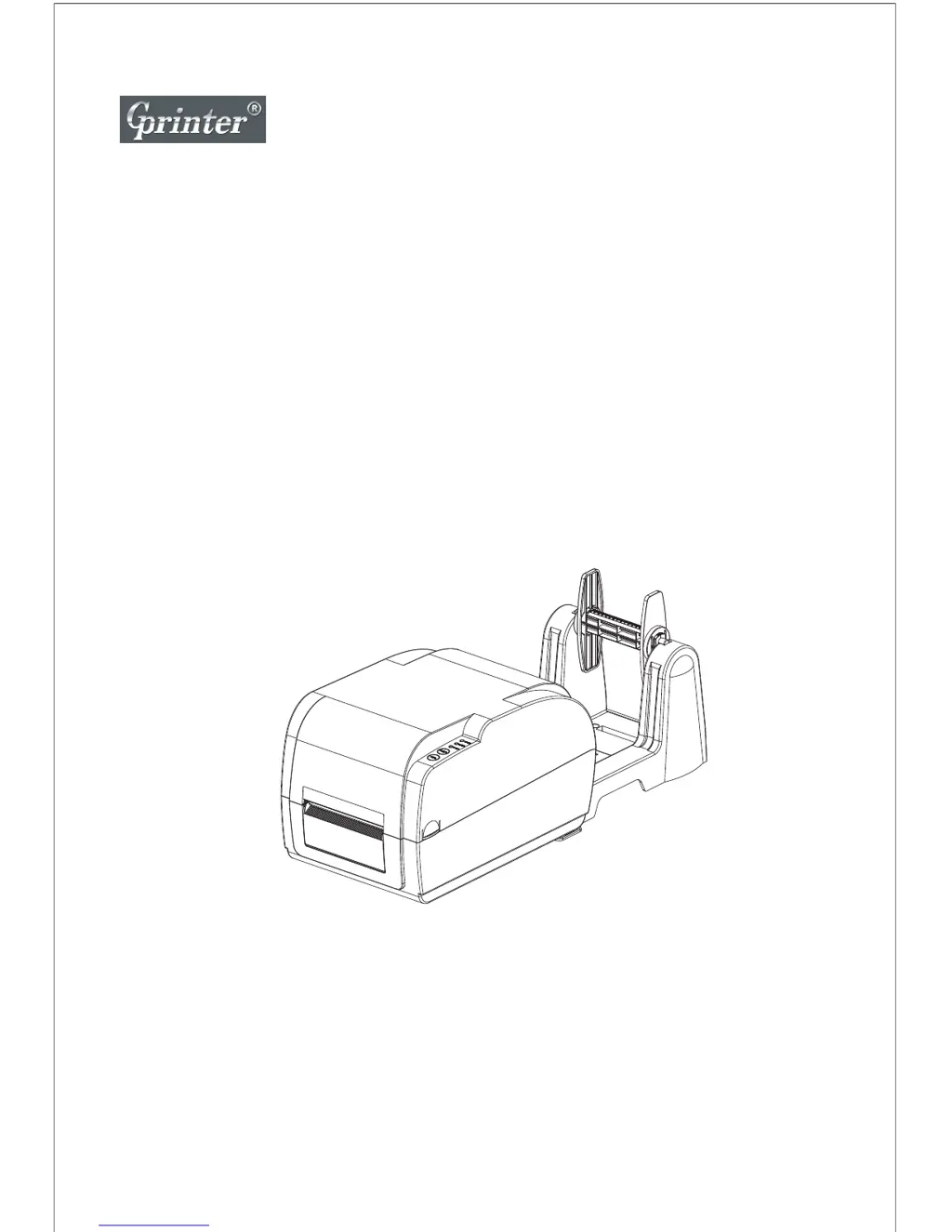
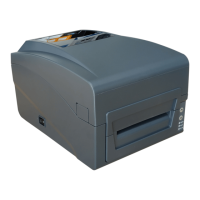
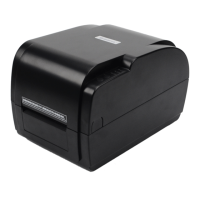
Thermal Transfer Barcode Printer
User's Manual
GP-9034T/9035T
Customer service hotline : 400 611 3828

Other manuals for GPRINTER GP-9034T

Questions and Answers

  • S
    smithterryAug 11, 2025
    Why is the GPRINTER GP-9034T not printing?
    • K
      Kenneth SmithAug 11, 2025
      There are several reasons why your GPRINTER Barcode Reader might not be printing. It could be due to the serial, Ethernet, or USB cable not being properly connected. Check the pin configuration, baud rate settings, and cable connections. Also, ensure the ribbon is the correct model and specification. If using an Ethernet cable, verify the RJ-45 green/orange LED indicator is on and that the printer IP is correctly assigned.
  • M
    melaniekerrAug 17, 2025
    What to do if GPRINTER GP-9034T power indicator is not ON?
    • J
      Jesse SheaAug 18, 2025
      If the power indicator on your GPRINTER Barcode Reader is not on, try the following: * Ensure the power connector and AC outlet are correctly connected. * Turn on the printer's power switch. * Close the print head securely by pressing the entire print head mechanism or the two arrow locations. * Replace the ribbon if it has run out. * Consult the User Manual for Ribbon Installation steps to properly re-install the ribbon. * Replace the label paper if it has run out. * Consult the User Manual for Paper Installation steps to properly re-install the paper. * Adjust the paper specification and print again if the label paper is jammed inside the printer. * Clear any jammed paper if there is a gap sensor detection error.
  • M
    mercadomarkAug 23, 2025
    Why is the printing quality not good on my GPRINTER Barcode Reader?
    • E
      Erika JamesAug 25, 2025
      Poor printing quality on your GPRINTER Barcode Reader may be due to improperly installed ribbon or label. Re-install them to ensure correct placement. Additionally, the print head may have too much dust or adhesive; clean it and try printing again. If the issue persists, the print head might be damaged. Run a self-test page to check the printing and determine if a new print head is needed.
  • P
    Patrick ChambersAug 29, 2025
    What to do if GPRINTER GP-9034T Barcode Reader is printing not stable?
    • S
      Stephanie BrooksAug 29, 2025
      If your GPRINTER Barcode Reader is printing unstably, it might be in HEX Dump mode or have incorrect RS-232 settings. Restart the printer and exit Dump Mode, or reset the RS-232 parameters.
  • J
    jsmithSep 3, 2025
    What to do if GPRINTER Barcode Reader ribbon is wrinkle?
    • D
      Daniel CooperSep 3, 2025
      If the ribbon is wrinkling in your GPRINTER Barcode Reader, it could be due to unbalanced stress on the print head, improperly installed ribbon and label, or label feeding issues. Reset the label print density and adjust the paper width fixing stand to fit your label paper size.

GPRINTER GP-9034T Specifications

General IconGeneral
Resolution203 DPI
TypeBarcode Printer
Print MethodDirect Thermal
Connectivity/InterfaceUSB
Media Width25.4 mm - 82 mm
Media Thickness0.06 - 0.19 mm
Power SupplyAC 100-240V, 50/60Hz
Operating Temperature5°C

Related product manuals