Maintenance
7.
To ensure the printing quality, please proceed this maintenance section to keep your printer
in good conditions and extend its life as well.
Please use one of following material to clean the printer.
★ Cotton swab
★ Lint-free cloth
★ Vacuum cleaner or air brush
★ 100% ethanol
7.2 The cleaning process is described as following:
Parts to be cleaned Step
Recommend cleaning frequency
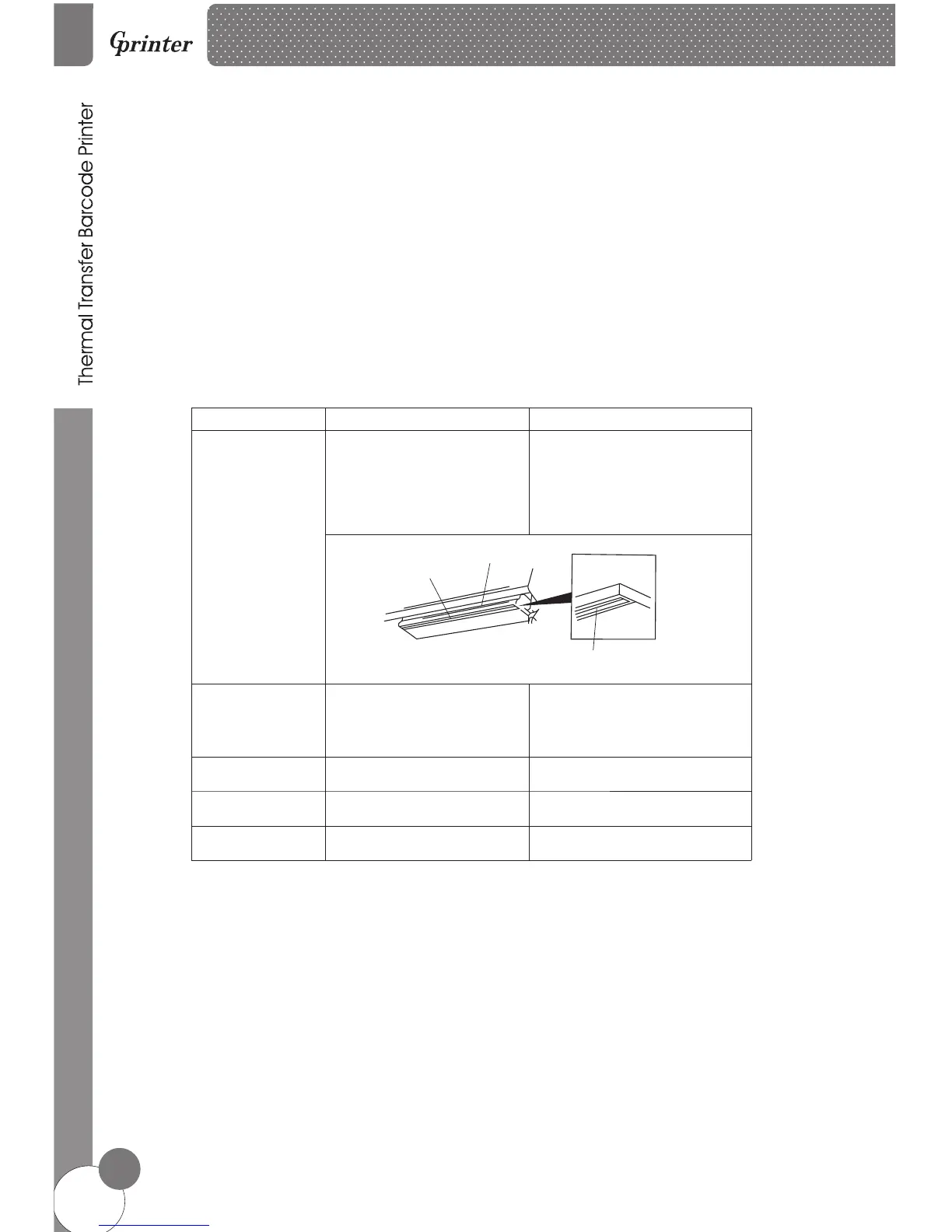
Print head
Rubber roller
Paper tear bar
Sensor
Inner side of printer
1.Turn off the printer.
2.Allow the print head to cool for
at least one minute.
3.Use a cotton swab and 100%
ethanol to clean the print head
surface.
When change new label paper
Thermal transfer printing head
Thermal transfer
printing head
Direct thermal printing head
Direct thermal printing head
1.Turn off the printer.
2.Rotate the platen roller and use
a cotton swab to clean with
100% ethanol.
When Change new label paper
Use a cotton swab and 100%
ethanol to clean.
When necessary.
When necessary.
Use air brush or vacuum to clean
dust of sensor.
Monthly.
Use air brush or vacuum to
the dust.
clean
Note:
※ Always turn off the printer power before cleaning the printer.
※ Do not touch print head by finger.
※ Please use 100% ethanol, Do not use medical alcohol to avoid damage to print head.
Printer Cleaning
7.1
17









 To Next Page