Startup
18 312394ZAC
Startup
1. Locate power switch at rear of machine and turn
power on. The display module will automatically turn
on and begin to load.
2. Slide the system air pressure relief switch up. It is
the yellow tab located at the rear, left of the
machine. The hole in the tab should not be showing.
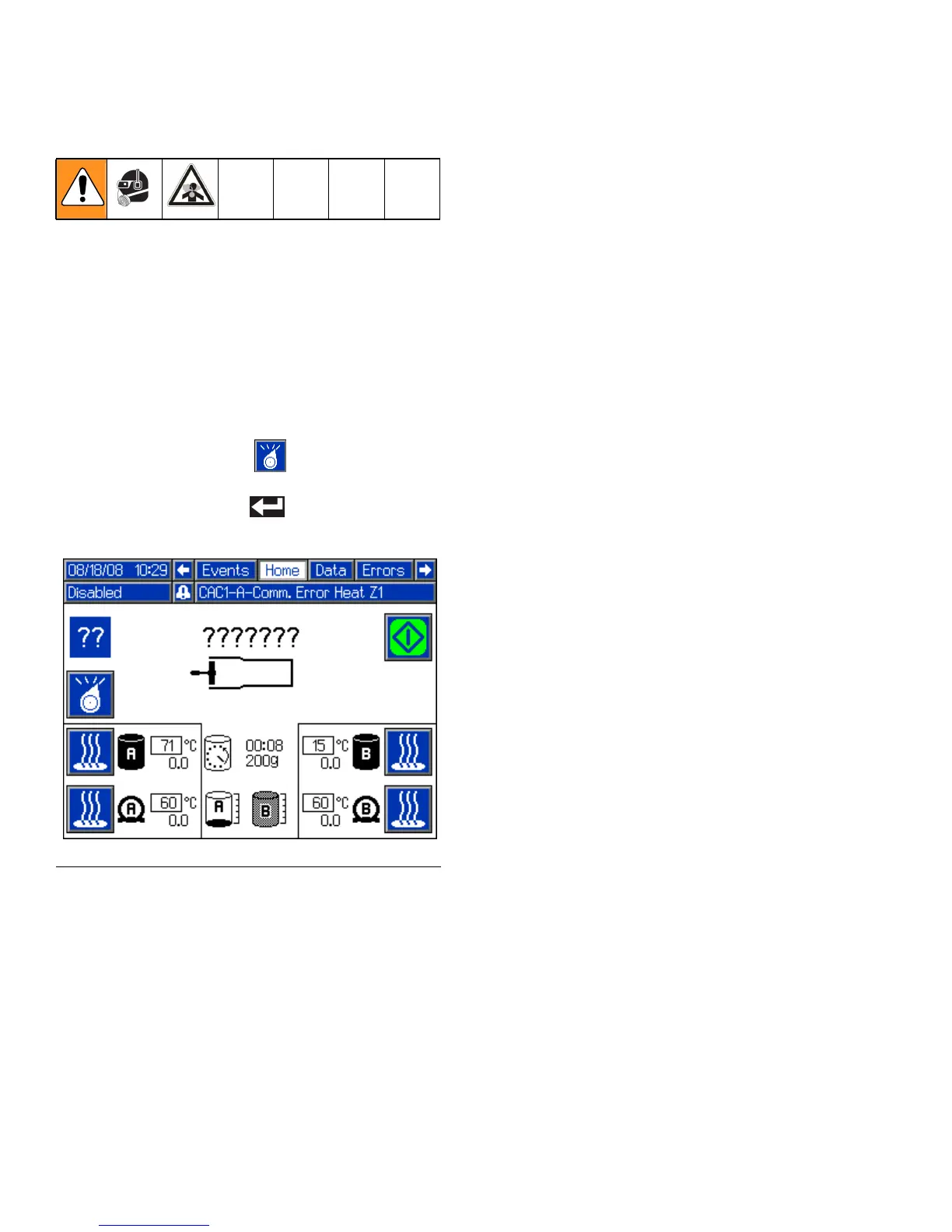
3. For systems with an Advanced Display Module:
if the machine is in Disabled Mode, press the Select
Operating Mode button ( ) repeatedly to exit
Disabled mode and to select a new operating mode.
Press the Enter button ( ) to accept the new
operating mode.
FIG. 6: Advanced Display Module - Disabled Mode



 To Next Page