6 – 6
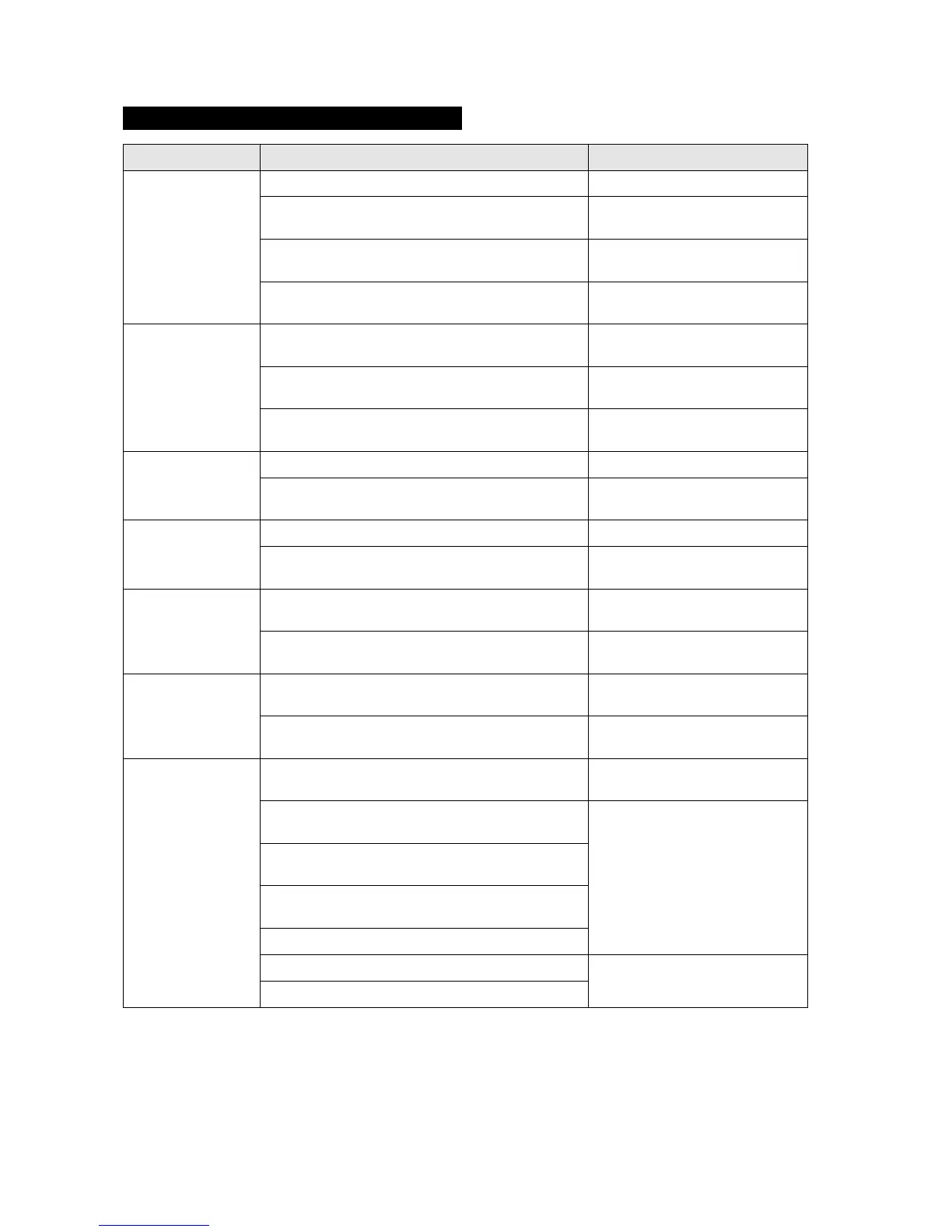
Error messages in HP-GL command mode
Error message Cause Solution
HP-GL ERROR 1 An unrecognizable command was received.
Noise was received when the computer was turned
on.
Press the ENTER key to cancel the
error.
The software command settings for controlling the
cutting plotter have been changed.
Set the software command settings
for controlling the cutting plotter.
The data-transmission settings have been changed in
the interface settings.
Set the correct data-transmission
conditions.
HP-GL ERROR 2 The command was executed with the wrong parame-
ters.
The software settings for the output device have been
changed.
Set the software command settings
for controlling the cutting plotter.
The data-transmission settings have been changed in
the interface settings.
Set the correct data-transmission
conditions.
HP-GL ERROR 3 The command parameter is incorrect.
The software settings for the output device have been
changed.
Set the software command settings
for controlling the cutting plotter.
HP-GL ERROR 5 An unrecognizable character set was specified.
The software settings for the output device have been
changed.
Set the software command settings
for controlling the cutting plotter.
HP-GL ERROR 6 The command coordinates specified are outside the
cutting/plotting area.
The software settings for the output device have been
changed.
Set the software command settings
for controlling the cutting plotter.
HP-GL ERROR 7 The buffer overflowed when the downloadable-char-
acter buffer or polygon buffer was used.
The software settings for the output device have been
changed.
Set the software command settings
for controlling the cutting plotter.
HP-GL ERROR 10 Another output command was executed while a com-
mand was already being executed.
An invalid command was received following an ESC
code.
Set the software command settings
for controlling the cutting plotter.
An invalid byte was received within a device control
command.
A parameter outside the permissible range was speci-
fied in an I/O command.
There were too many parameters in an I/O command.
A framing error, parity error, or overrun error occurred. Set the correct data-transmission
conditions.
The interface buffer overflowed.










 To Next Page