18 Creative Grading Camera Control System User’s Guide (v1.4)
Chapter 3 - Setup
3.2.3 Assigning CGPs
To assign a CGP to a camera selection tile tap the button below an empty tile. The
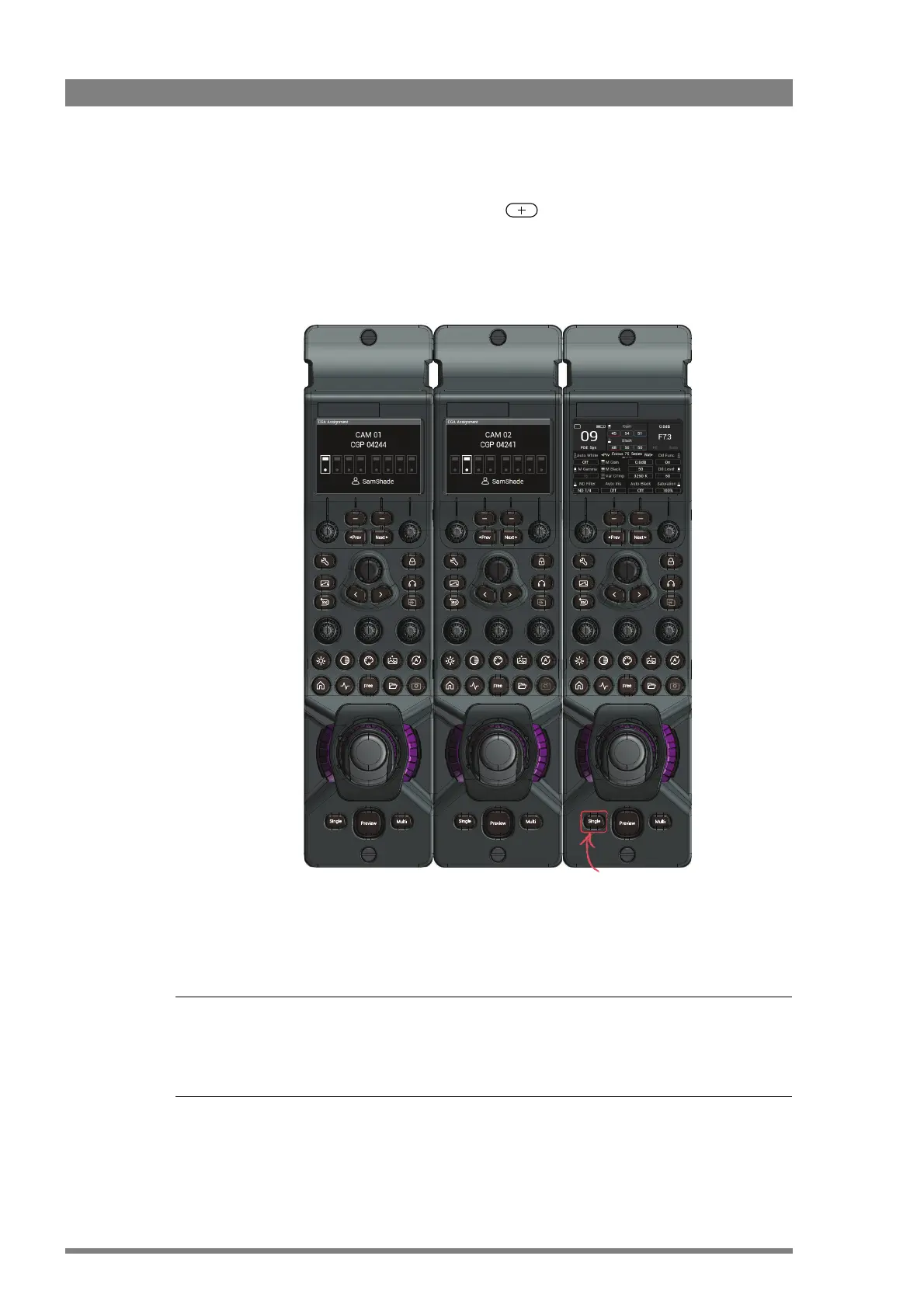
Assign CGP popup window appears on the CGA and the connected CGPs show the following
information on their local displays:
Press and hold the Single button for two seconds on the CGP you want to assign to the tile.
It is not required to assign a CGP to a camera system. You can control and operate a camera
system without a CGP, using only the CGA. However, for live camera operation it is strongly
recommended to assign a CGP.
Already
assigned
Already
assigned
Not assigned to
a CGA
Press and hold to
assign



 To Next Page