63Backing up receiver settings
Repeat the procedure:
Important:
The active connection can be terminated using the
“Disconnect” button, but you should only do this if
you intend to initialise the receiver directly – as de-
scribed on page 60 – and do not wish to over-
write the contents with a data set you backed up
earlier.
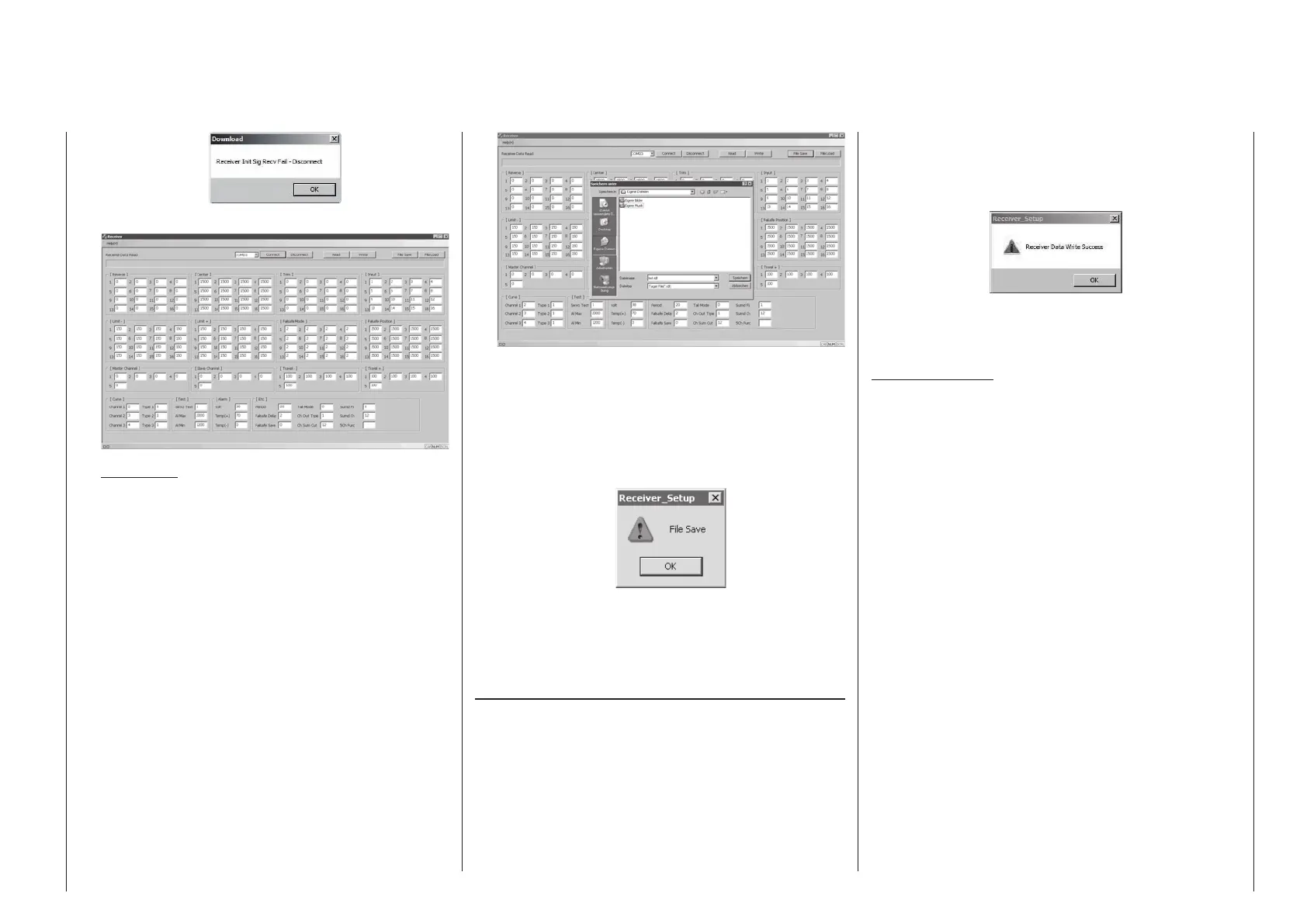
4. Saving receiver data
The “File Save” button stores the current servo
configuration on the PC.
The Windows dialogue “Save as” now opens:
First select a suitable folder in which to save the
file, and enter an unambiguous name under “File
name”, so that you can assign the file again at a
later stage. The program automatically appends
the file suffix “rdf”. The data set is saved when you
click on the “Save” button. When the process is
complete, this message appears:
Click on “OK” to close this.
Now you can reset the receiver to the factory de-
fault settings as previously mentioned and de-
scribed on page 60.
Copying a data set to the receiver
The backed-up data can be reloaded using the “File
Load” function in the Receiver Setup program.
First connect the receiver as described in point 3
“Reading out receiver data”, and click on the “Con-
nect” button. If the receiver has previously been
initialised, the software reads out the factory default
settings.
Now select the appropriate “rdf” file from the appropri-
ate folder, and click on “OK” in the “File Load” pop-up
window. Clicking on the “Write” button transfers the
data to the receiver connected to the PC.
As soon as the transfer is complete, the pop-up win-
dow “Receiver Data Write Success” appears:
Click on “OK” to conclude the data transfer procedure,
then click on the “Disconnect” button to separate the
Receiver Setup program from the receiver.
Important notes:
• The “Receiver Setup” program includes addi-
tional functions which are still at the develop-
ment stage, and must not be used at this junc-
ture. You can check the current state of the
software in the Download area for your par-
ticular receiver.
• A separate manual dealing with the whole
“Firmware_Upgrade_grStudio_Ver-X.X” pro-
gram packet is in preparation, and will be
made available in the Download area when it
is ready. The manual will then be continuously
updated whenever new options become avail-
able.



 To Next Page
 Loading...









