49
Column 4 “- travel +”
In this column you can adjust servo travel symmetrical-
ly or asymmetrically (different each side of neutral). The
adjustment range is 0 ... +150% of normal servo travel.
The reference point for the set values is the setting in
the “Centre” column.
To set a “symmetrical” travel, i.e. to adjust travel equally
on both sides of neutral, select SYM; select ASY to set
asymmetrical travel. In the latter case move the associa-
ted transmitter control (stick, proportional rotary knob or
switch) to the appropriate end-point; when you press the
SELECT button the highlighted servo travel fi eld swit-
ches between the left fi eld (negative direction) and the
right fi eld (positive direction).
Pressing CLEAR resets the changed parameter to
100%.
Important:
In contrast to the »Control settings« menu this setting
affects the servo directly, regardless of how the control
signal for this servo is generated, i.e. either directly by a
stick channel, or by means of any type of mixer function.
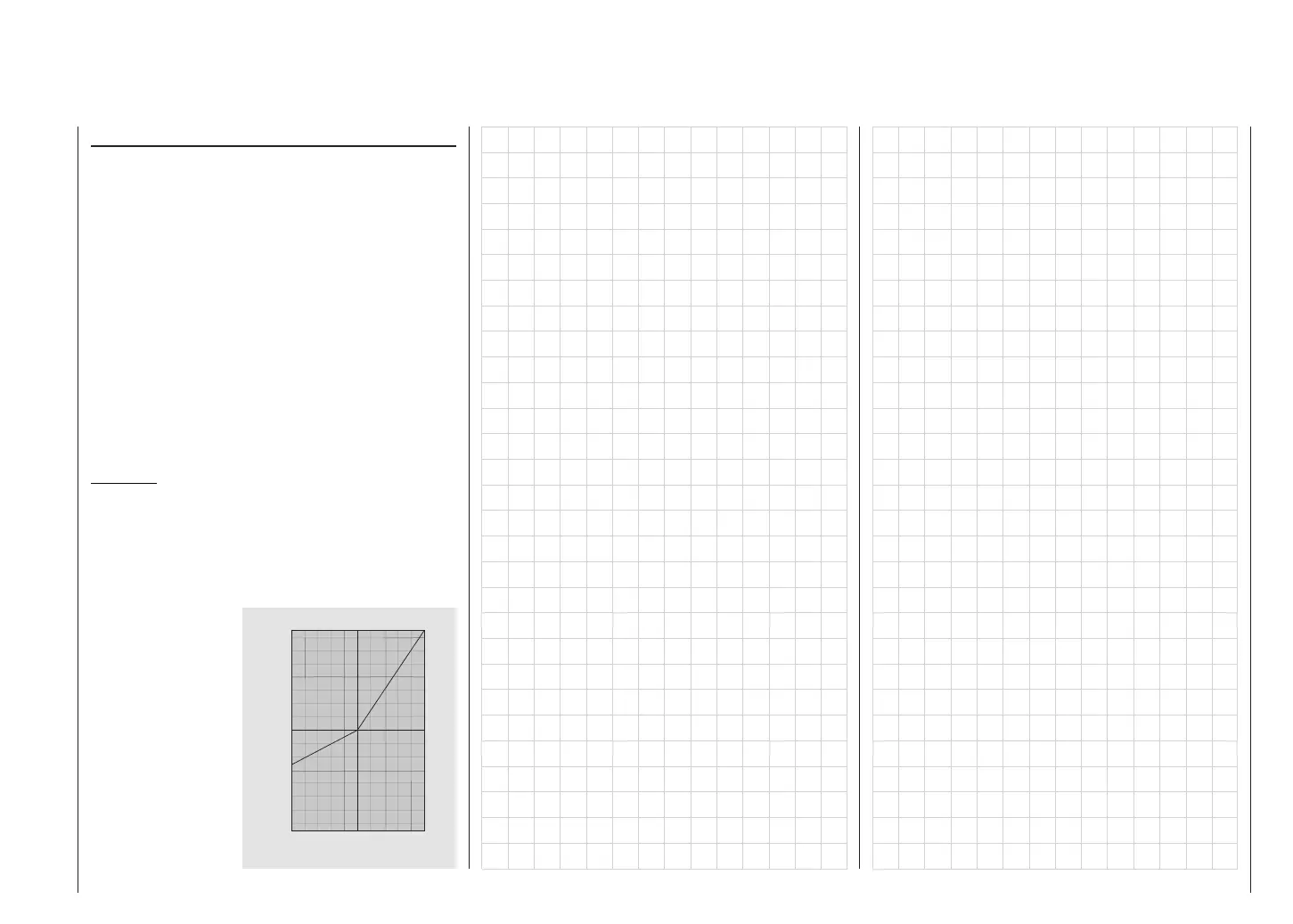
The graph alongside
shows an example of
asymmetrical servo
travel, with a setting of
-50% and +150%.
Servo settings
0
2 0
4 0
6 0
8 0
1 0 0
1 5 0
%
0 2 0 4 0 6 0 8 0 1 0 0 %
Servo travel
Transmitter control travel














 To Next Page