First contact
L-SOLUTION 700 / 800 / 900 machines . 81
CONFIGURATION (SETUP) sub-menu
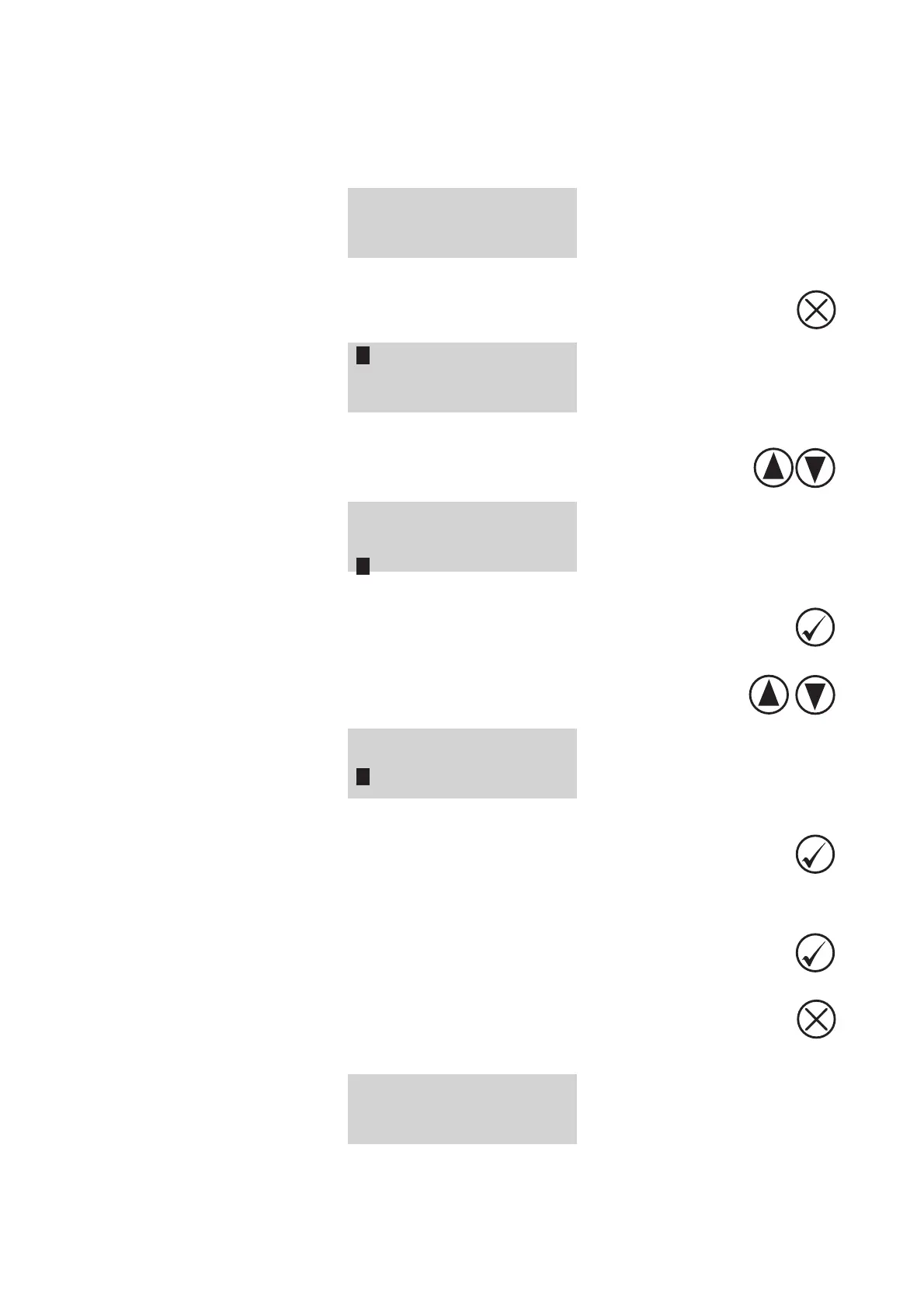
(diagram 1)
1. Switch on the L-SOLUTION machine (main stop button (L) in I position).
Wait for the following message to appear on the screen:
<READY TO RECEIVE>
001 FILENAME1
PUI 40 VIT 10
DPIX 400 DPIY 400
2. Press the "CANCEL" key
PARAMETERS
FILE
INFO
CONFIGURATION
3. Select the CONFIGURATION (setup) sub-menu using the arrows keys
PARAMETRES
FICHIER
INFO
CONFIGURATION
4. Validate
5. Select the setting to set up using the arrows keys
L-SOLUTION 800
LANGUAGE ENGLISH
SERIAL PORT
DISPLAY UNIT MM
6. Validate
7. Set up the setting
8. Validate
9. To exit the CONFIGURATION (setup) sub-menu, press
The following message is displayed on the screen:
<READY TO RECEIVE>
001 FILENAME1
PUI 40 VIT 10
DPIX 400 DPIY 400
System operation











 To Next Page