10
6. Operation Description
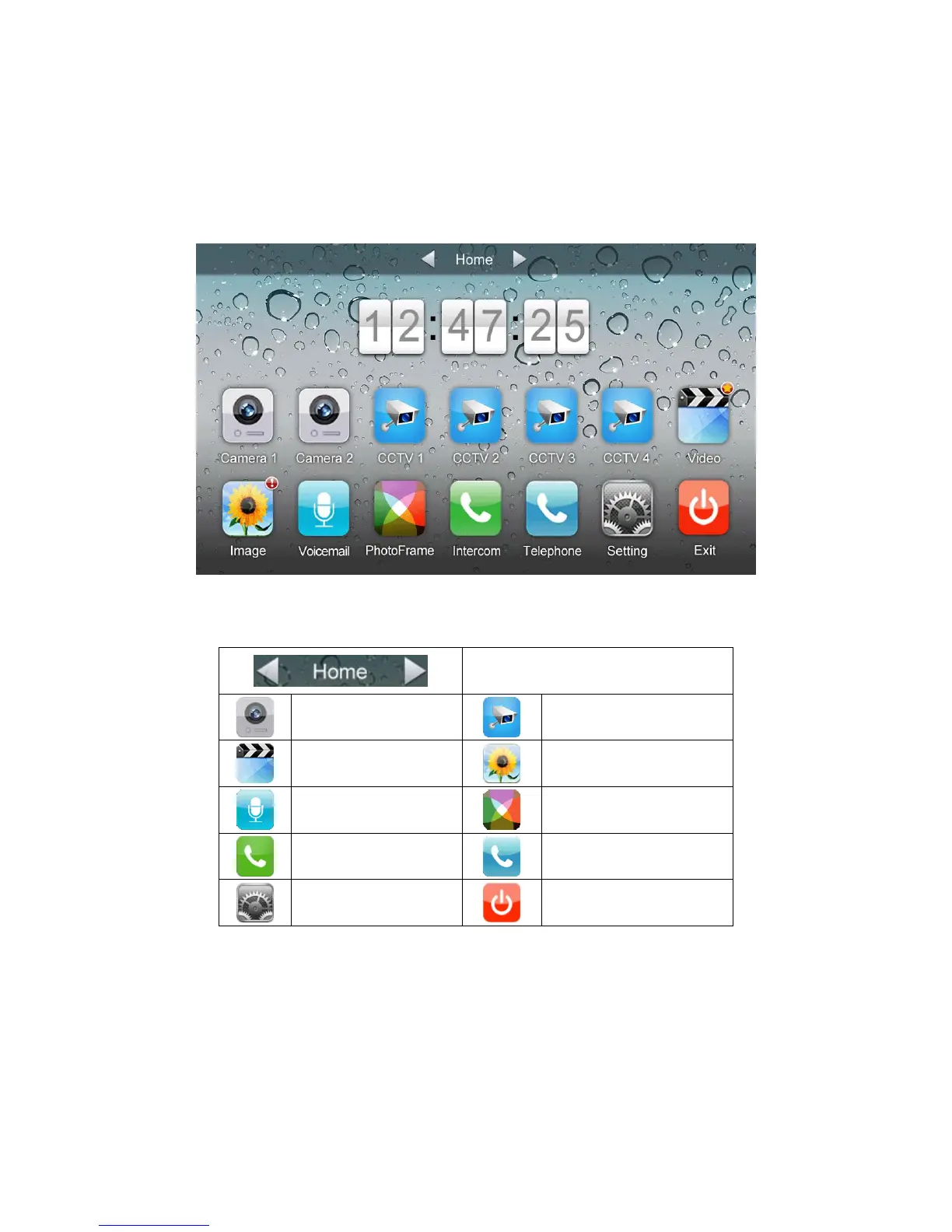
6.1 Main Screen
It will show corresponding functions when pressing each icon on main screen.
Icon Definition:
Home/Leaving/Do Not Disturb
enter [Camera]
enter [CCTV] page
enter [Video] page
enter [Image] page
enter [Voicemail] page
enter [Photo Frame] page
enter [Intercom] page
enter [Telephone] page
enter [Setting] page
turn off screen
In [Leaving] mode, when door station calls in, the monitor will play the voicemail to
visitor, if the voice message is recorded and been set in the [Setting] page. In [Do not
Disturb] mode, when door station calls in, the monitor will be mute.
Remark: To set the voicemail, please see 6.7



 To Next Page