18
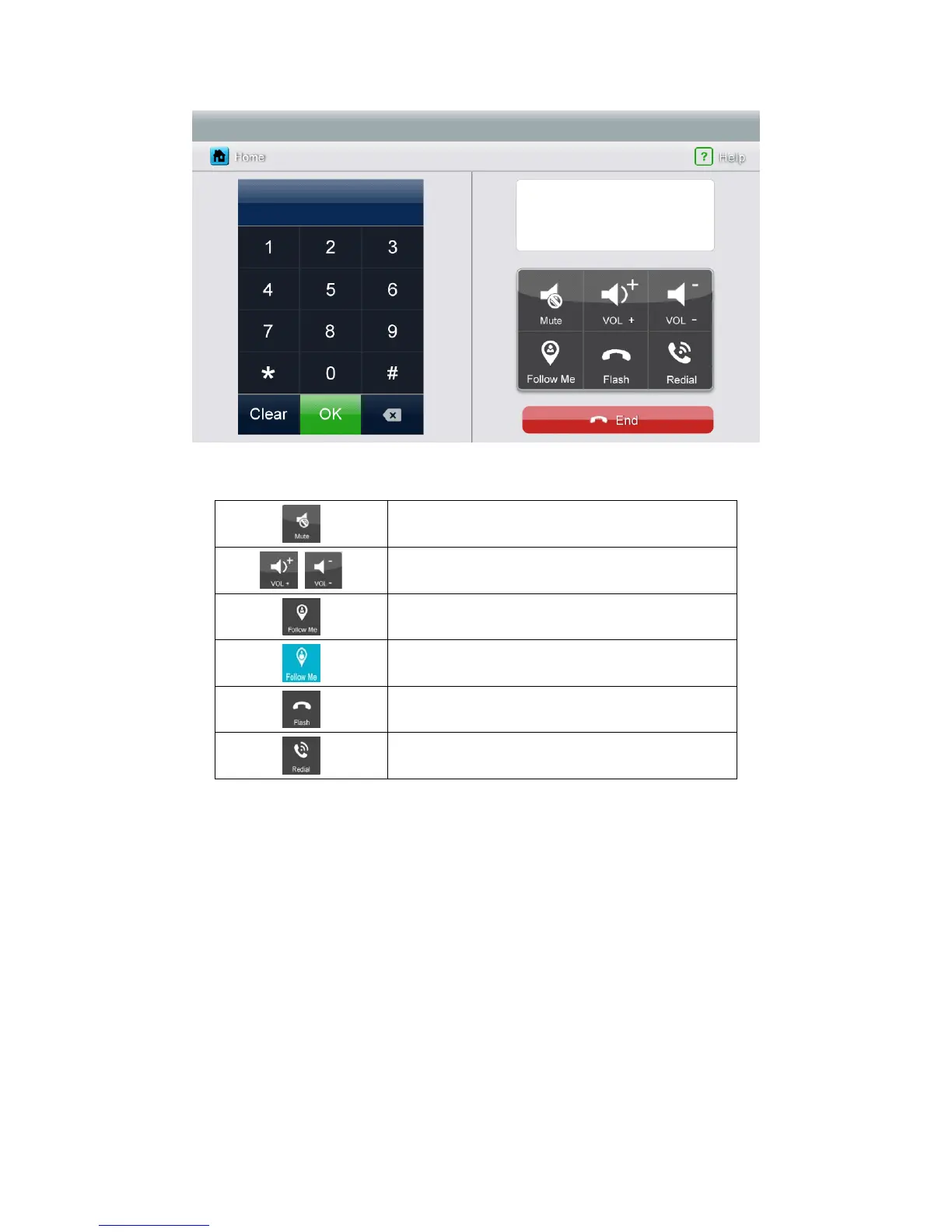
Icon Definition:
enable/disable [Mute] function
adjust volume
enable/disable call forwarding function
[Call Forwarding] function is enable
reset phone
redial
6.6.1. Call Forwarding Function
To use call forwarding function, you need set a forwarding telephone number, please
take the following steps:
1. Press [Telephone] icon on main screen, enter [Telephone] page
2. Set a telephone number you want to forward:
*1* Æ Phone Number Æ # Æ OK
Remark: The tel. number should be within 20 numbers.
3. Check the telephone number:
*2* Æ # ÆOK



 To Next Page