16
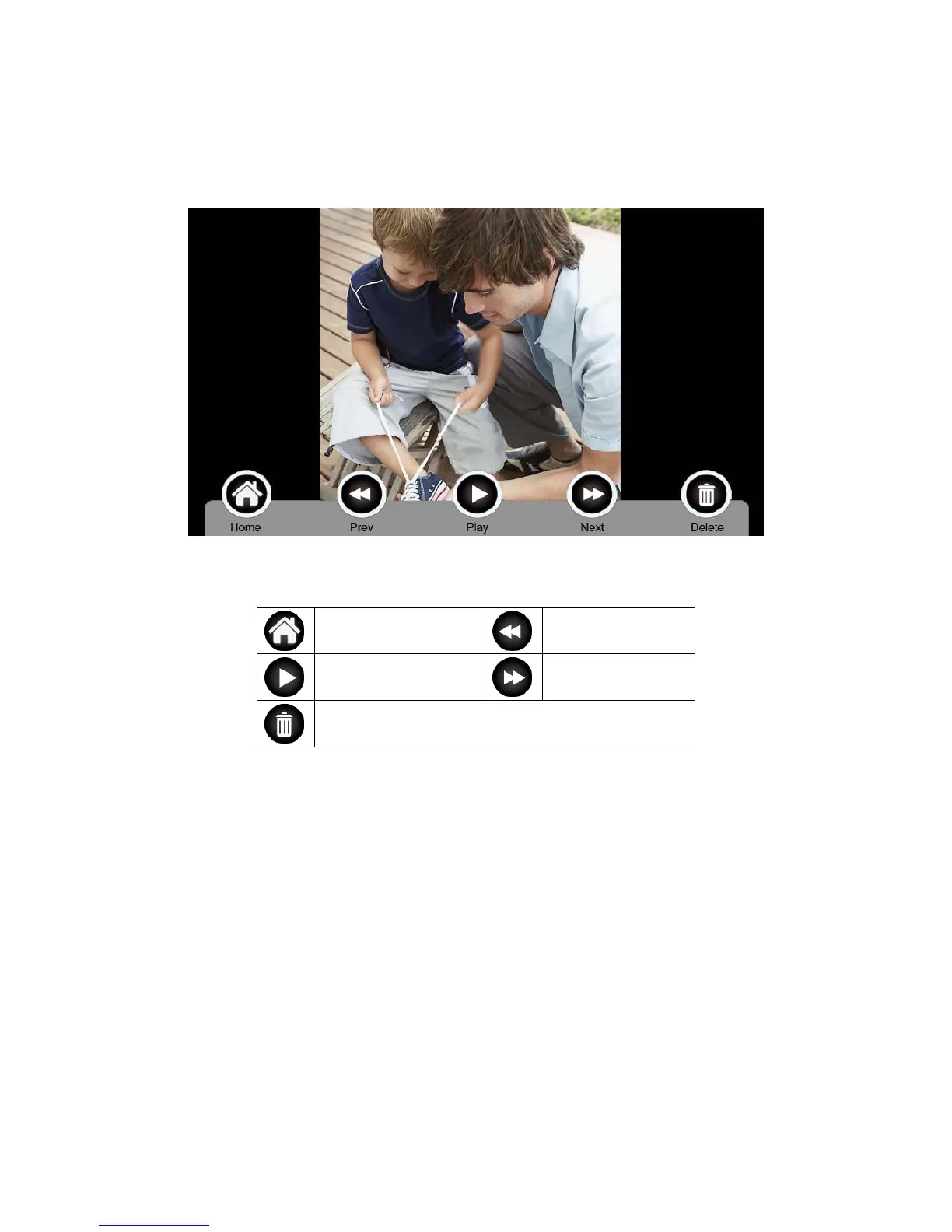
6.4.4. Photo Frame Function
Press [Photo Frame] on main screen, monitor will play the image one by one
automatically.
Icon Definition:
return to [Main Screen]
show previous image
display image show next image
delete
Remark: Only photos with specific format can be shown in the photo frame.
To convert the photo, please see Appendix I.
6.5 Intercom Function
Press the [Intercom] icon on main screen, choose the monitor you want to call, and
then press [Call], and then you can talk with the corresponding monitor.



 To Next Page