17
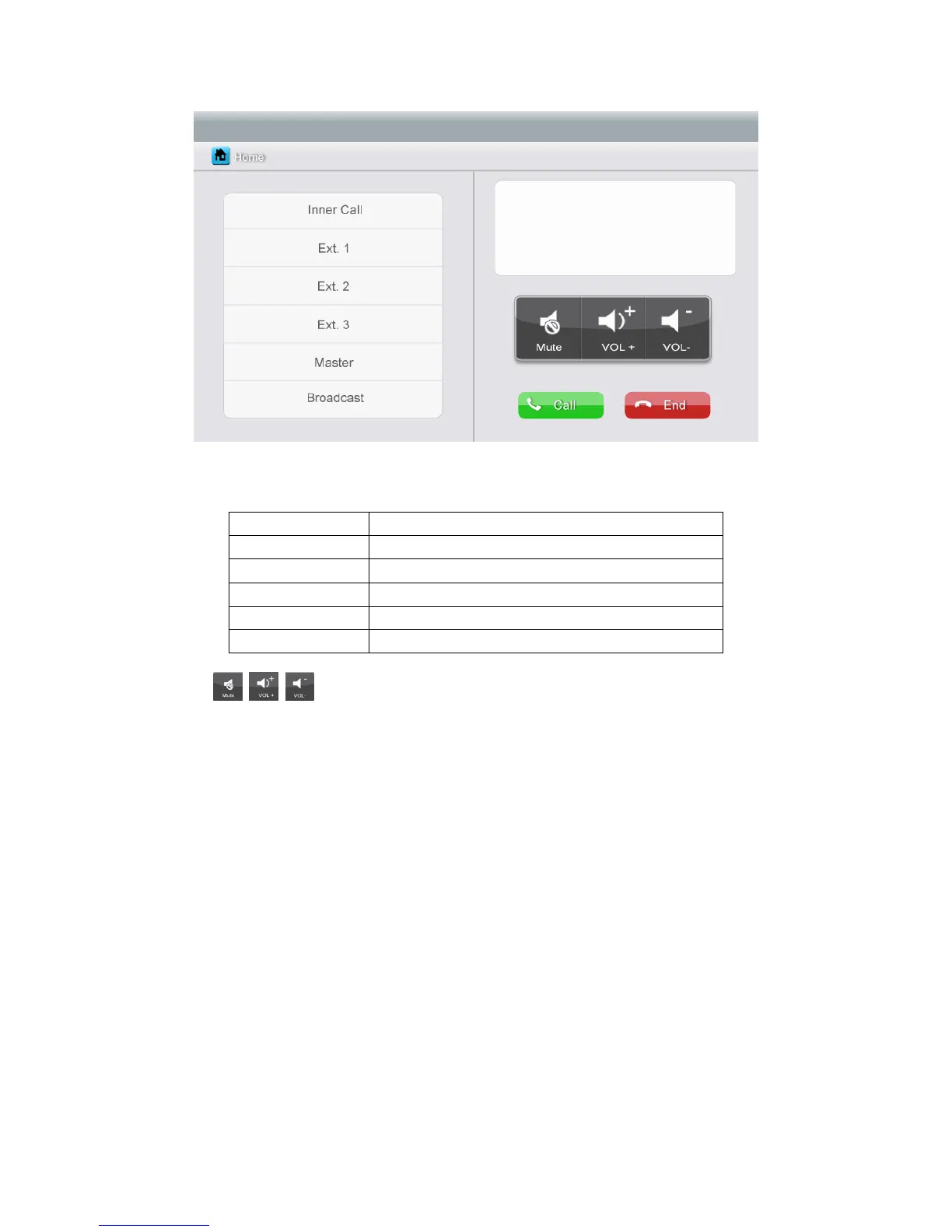
Icon Definition:
[Inner Call]
call the audio phone
[Ext. 1]
call extension monitor 1
[Ext. 2]
call extension monitor 2
[Ext. 3]
call extension monitor 3
[Master]
call master monitor
[Broadcast]
call all monitors
: In the [Intercom] page, you can enable/disable [Mute] function, and
adjust the volume.
To set intercom address: please see [Setting] Æ [Intercom].
6.6 Telephone
The Monitor can support telephone function:
Make and receive a telephone call
Transfer the call from door station to a specific mobile phone or fixed phone and
control the door station via telephone.



 To Next Page