25
Appendix I: Converting image for photo frame
To use photo frame function, the video door phone needs specific formatted JPG image.
We provide the program PhotoManager to convert the image.
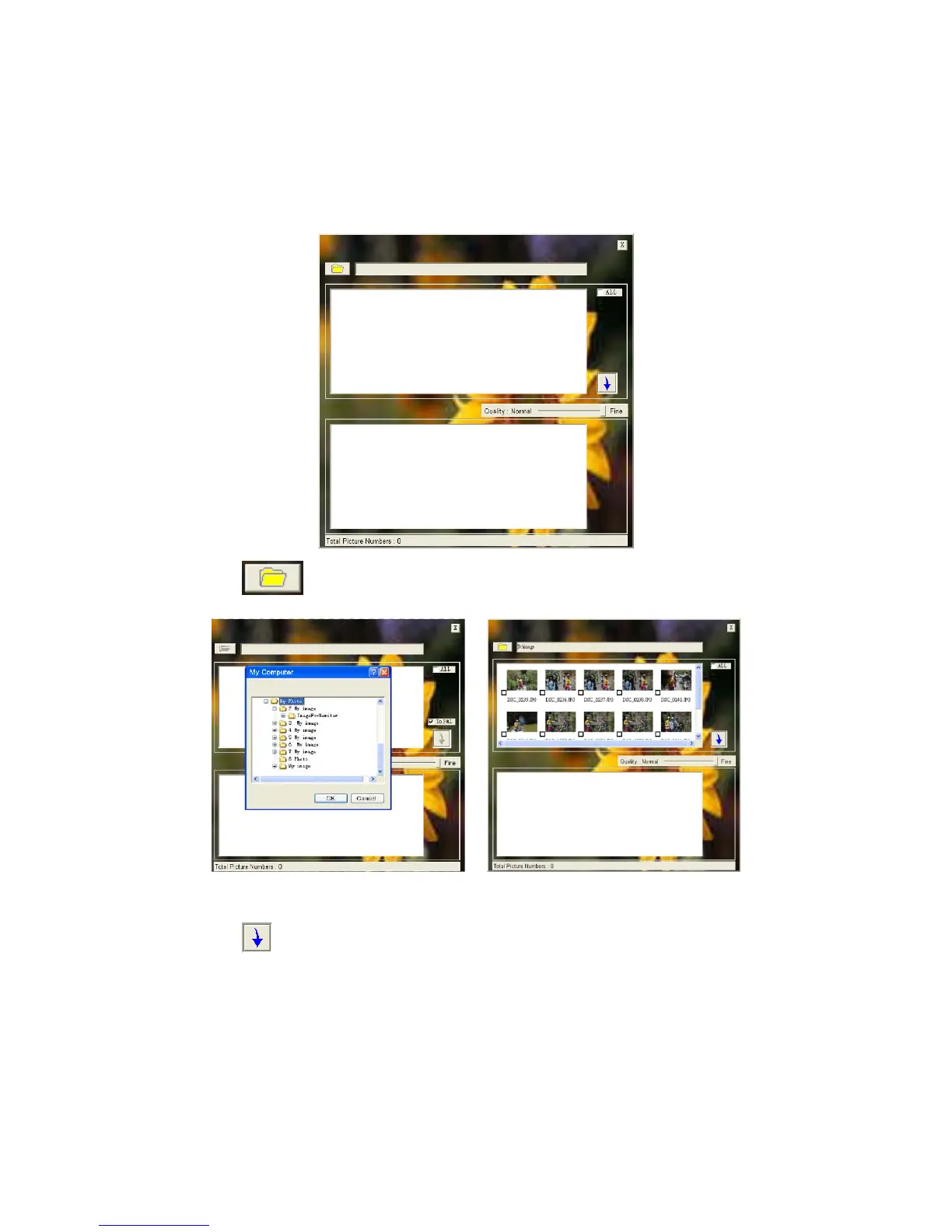
1. Start the program and you will see the bellow interface.
2. Click
on the left top corner to import a target image folder.
3. Click and select the images you want to convert (support BMP, JPG and GIF).
4. Click
to convert. It will generate the “MarsJPG” folder under the source image
folder.
5. Change the folder name to "PHOTO" and copy to the root directory of your TF card and
insert the TF card to the monitor, and then you can use the photo frame function.



 To Previous Page