11
6.2 Visitor Call
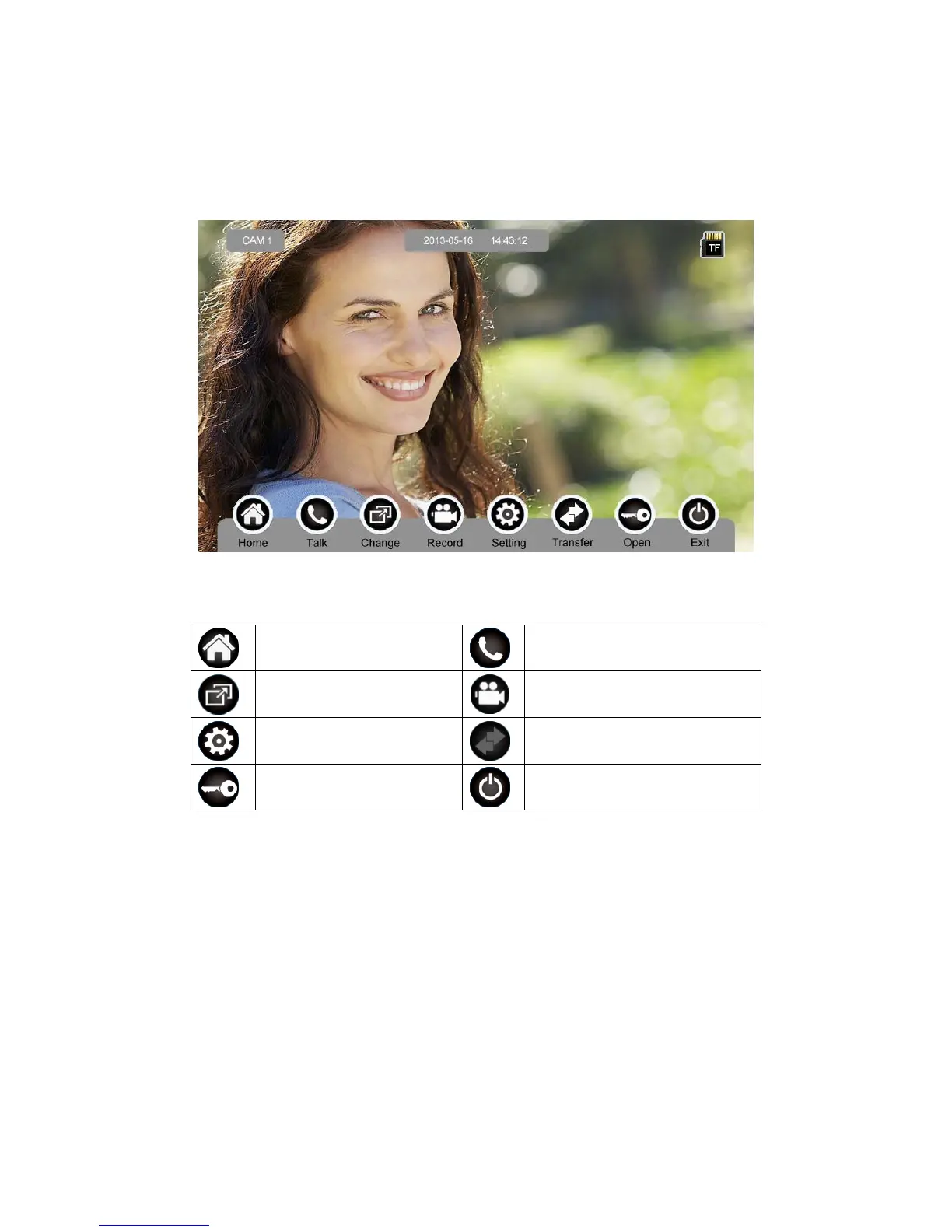
When door station calls in, the visitor’s image will be shown on the monitor screen
(on-screen duration 90 seconds).
Icon Definition:
back to [Main Screen]
talk
switch between door stations
and CCTVs
record video
adjust display parameters
call transfer manually
open the door
turn off screen
When a door station calls in, press [Talk] to start to talk; press [Talk] again to terminate
the talk.



 To Next Page