12
During the talk:
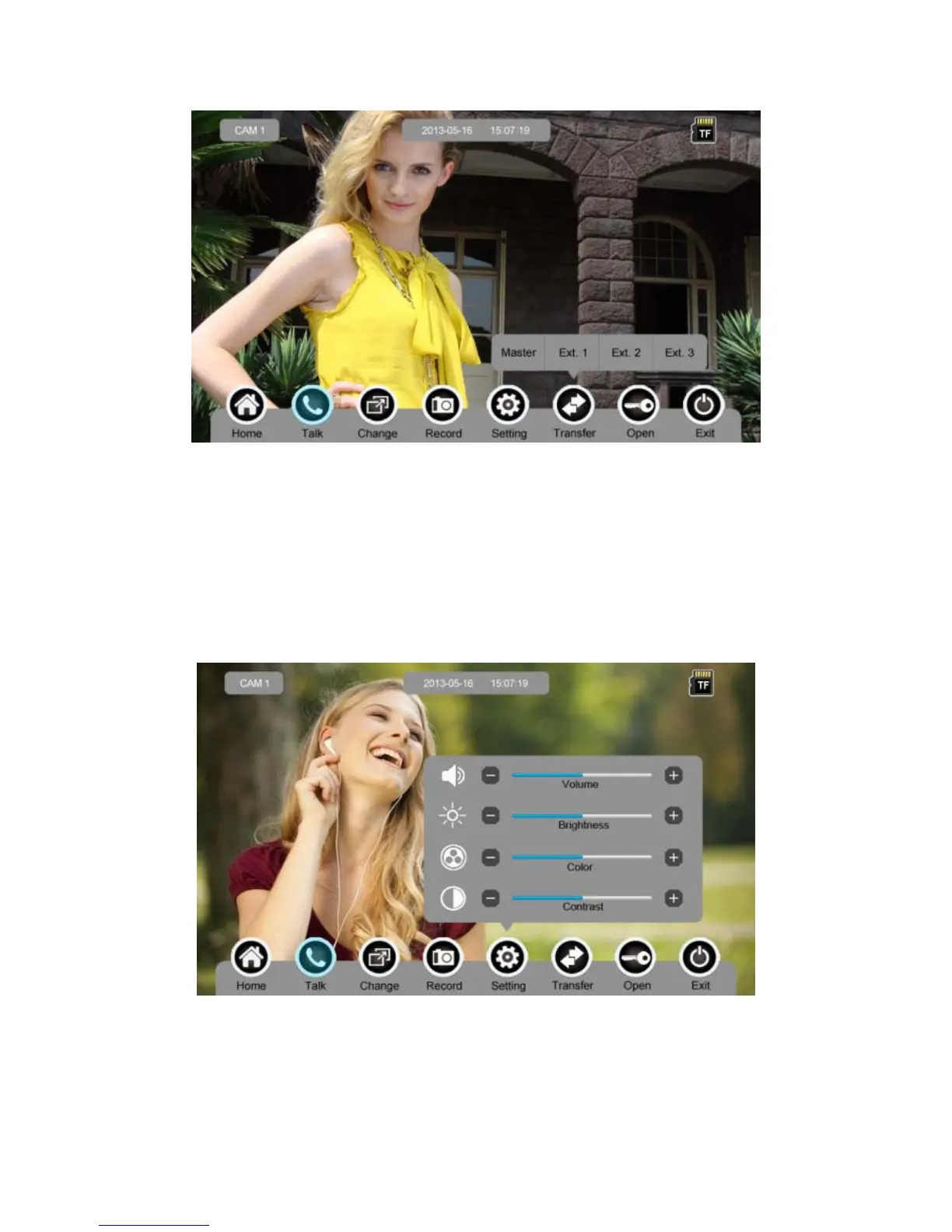
¾ press [Change] to switch to other door station or CCTV, and the current talk will
be terminated.
¾ press [Record] to record a video clip or capture a picture from the calling door
station, depending on the system setting (see 6.7).
¾ press [Setting] to adjust the sound volume, brightness, color and contrast.
¾ press [Transfer] to transfer the current call to other extension monitors.
¾ press [Open] to release door.
¾ press [Exit] or [Home] to end the talk.



 To Next Page