Charging
19
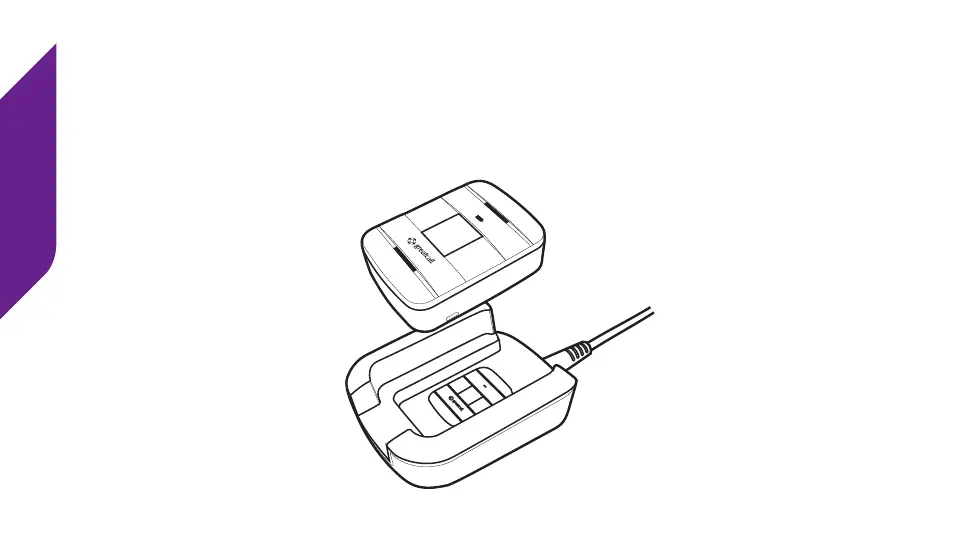
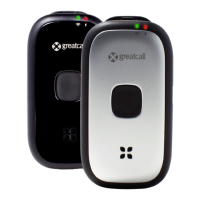
4. To remove your Lively from the Charging Dock, simply grasp the device and lift
it up and away from the Charging Dock. You will hear a tone from the Speaker
indicating that it is no longer charging. Unless additional charging is required,
the Battery Indicator will turn o to save power.
MODEL : SW100 FCC ID : 2AA27-SW100
MODEL : SW100 FCC ID : 2AA27-SW100
QUALCOMM CDMA
MODEL : SW100 FCC ID : 2AA27-SW100
QUALCOMM CDMA


 To Next Page