10
Boston Scientific (User’s Manual Template 8.5in x 11in Global, 91091755 Rev/Ver. AA), Manual, MB, XPS, Global, 50623316-01A_pretrans
Process Black ΔE ≤5.0 / CMYK Image
Remote Door Interlock
Always limit personnel in the operating room to those essential to the procedure. To protect intruding personnel from exposure to the laser beam,
an optional remote door interlock can be connected from the console to the operating room entrance door. This interlock will automatically put
the console in Standby mode if the door is opened during a procedure. The console will remain in Standby mode until the door is closed and the
interlock is reset. Once reset, the user can place the console back in Ready mode and reactivate the surgical beam. The console cannot be placed
in Ready mode, unless the interlock is reset.
If the use of the remote door interlock is desired, the biomedical personnel at the user’s facility can connect it. The user should test the remote
interlock before each use. Access to the console’s interlock function is made through a socket located on the back panel of the console (see Figure 3).
Safety Recommendations
The following are general safety recommendations for the operating room and are not specific to the laser system:
• Whenusingaccessories,tools,disposables,ormaterialsthatwereincontactwiththepatient,takeprotectivemeasurestopreventcross-contamination.
• Keepdrapesandtowelsmoisttopreventtheirignitionandburning.
• Usenon-flammablepreppingsolutions.
• Preventcombustionofmethanegasbypackingtherectumduringperinealprocedures.
• Donotusethelaserinthepresenceofflammableanestheticmixturewithairorwithoxygenornitrousoxide.
WARNING:Donotfirethelaserunlesstheaimingbeamisvisibleanddirectedatthetargetedtissue.
8.7 Safety Features of the Laser System
The GreenLight XPS™ Laser System incorporates the following safety features:
• Thelaserwillstopfiringwhenthepressureisremovedfromeitherfootswitchpedal.
• Anautomaticcircuitbreakershutstheconsoleoffintheeventofanelectricaloverload.
• Thelaserprovidesanoperatingroomdoorinterlockconnection,whichmustbesetupbythebiomedicalpersonnel.
• Thekeycanonlyberemovedwhenthekey-switchisintheOFFposition.
• Anonboardmicroprocessorcontinuouslymonitorsthestatusoftheconsoleanddisplaysmessagesonthescreenalongwithappropriateuserprompts.
• Laserenergycannotbeemittedfromtheconsoleunlessafiberhasbeenconnected.
• ConsolewillgointoreadymodewhentheReadybuttonistouchedonthetouchscreen,orwhenthebuttonontopofthefootswitchispressed.
• Afiberpoleliftsandpositionsthefiberinasafeandunobtrusiveposition.
• Acontinuousaudibletoneisheardwhenthesurgicalbeamisactivated(thatis,footpedalispressed).Ahigherfrequencytoneisheardfor
vaporization and a lower tone for coagulation.
• WhenthelaserisfiredforthefirsttimeafterenteringReadymode,andwheneverswitchingbetweenvaporizationmodeandcoagulation
mode, a voice will annunciate the current mode.
• A2-seconddelayoccursbeforelaserenergyisemittedafterthelaserisplacedinReadymode.
• AnEmergencyLaserStopswitchisavailabletodisabletheconsoleimmediately,inthecaseofanemergency.
• WhenswitchingbetweenReadyandStandbymode,avoicewillannouncethecurrentmode.
Note:Donotattempttoremoveanypanelfromtheconsole.Allpanelsarefittedwithtamper-prooffastenings.Anyattempttoremovethepanels,
unless instructed by authorized BSC personnel, can damage the console and will void the manufacturer’s warranty.
Note: The laser system should be protected against unauthorized use. When the console is not in use, remove the key from the key switch and
place in a secure location.
WARNING: Unauthorized use of internal controls, adjustments to the equipment, or performance of procedures other than those specified herein,
may result in hazardous radiation exposure.
WARNING: No modification of this equipment is allowed.
Tipping Hazard:
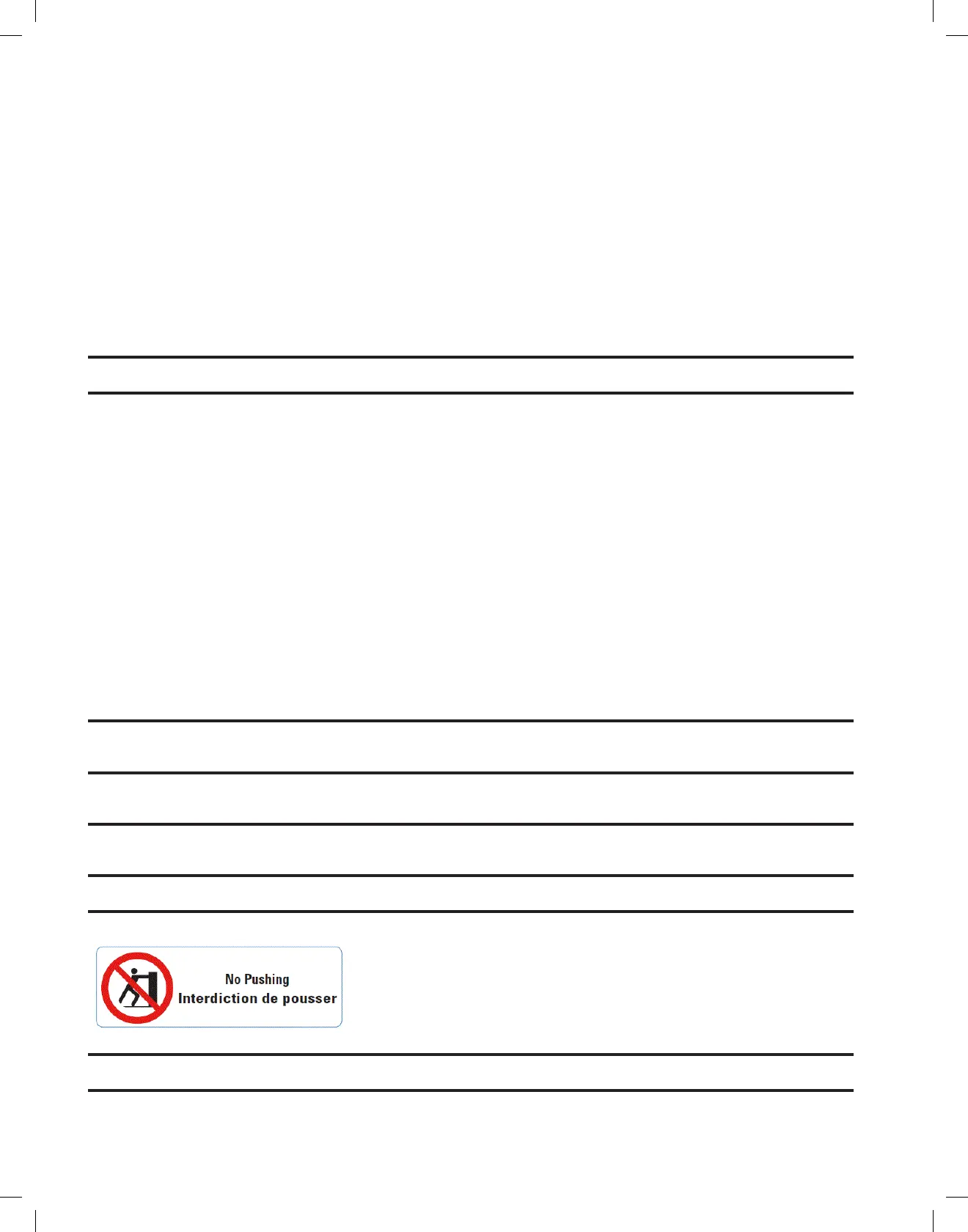
Duringtransportation,pullorpushtheconsolecarefullyusingtheintendedhandletopreventtipping.
WARNING: Console may tip if inclined at an angle of greater than 5 degrees.
Rolling Hazard: Secure the console with the wheel locks to prevent the unit from inadvertently rolling.


 To Next Page