24
Boston Scientific (User’s Manual Template 8.5in x 11in Global, 91091755 Rev/Ver. AA), Manual, MB, XPS, Global, 50623316-01A_pretrans
Black (K) ∆E ≤5.0Black (K) ∆E ≤5.0
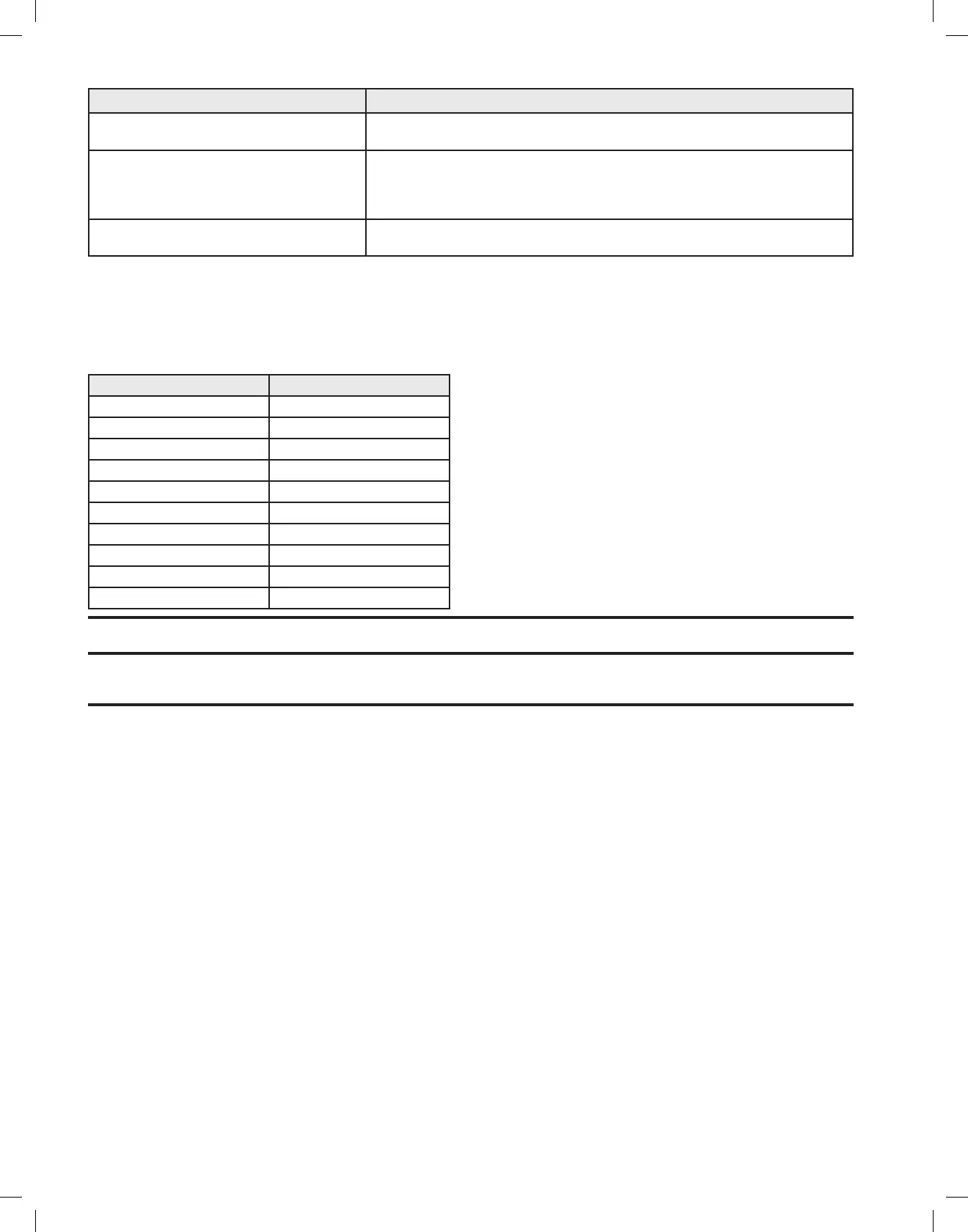
Message Corrective Action
Fiber Approaching Time Limit
Less than 5:00 minutes remaining
The amount of time remaining on the fiber is displayed. If the procedure requires
treatment beyond the limit, use a new fiber.
Fiber Expired
Time-out limit reached
The fiber has exceeded one of the time-out limits:
Maximum Fiber Time Limit Reached (150 minutes).
Inactivity Time-out Surpassed (30 minutes).
If the procedure requires treatment beyond the limit, use a new fiber.
Check Footswitch Connection Doublecheckthefootswitchconnector:reattachand/ortightenconnection.Ifproblem
persists, contact BSC technical support.
15.2 Service Prompts
An error code will appear in a yellow box on the screen. When these error codes appear, the user should accurately record the complete problem
number and contact BSC technical support or call the local GreenLight XPS™ Laser System distributor.
Error codes are three or four digit numbers. The right two digits identify a specific problem. The remaining digit(s) on the left indicate the error
group. These groups are described in the below table.
Table 6. Service Prompts
Error Group Description
100 Resonator
200 Laser Power Supply
300 Master Control Board
400 DataLog
500 DisplayAssembly
600 Chiller
700 Q-SwitchDriver
800 System
900 Peripherals
1000 Software
Note: Courtesy Messages: Correct the problem as indicated in the Courtesy Message table above and continue the procedure.
Note: Service Prompts: The system can be reset when the message ‘Press Here to Continue’ is displayed. If the system cannot reset itself, then it
will require servicing before it can be used again.


 To Next Page