22
Boston Scientific (User’s Manual Template 8.5in x 11in Global, 91091755 Rev/Ver. AA), Manual, MB, XPS, Global, 50623316-01A_pretrans
Black (K) ∆E ≤5.0Black (K) ∆E ≤5.0
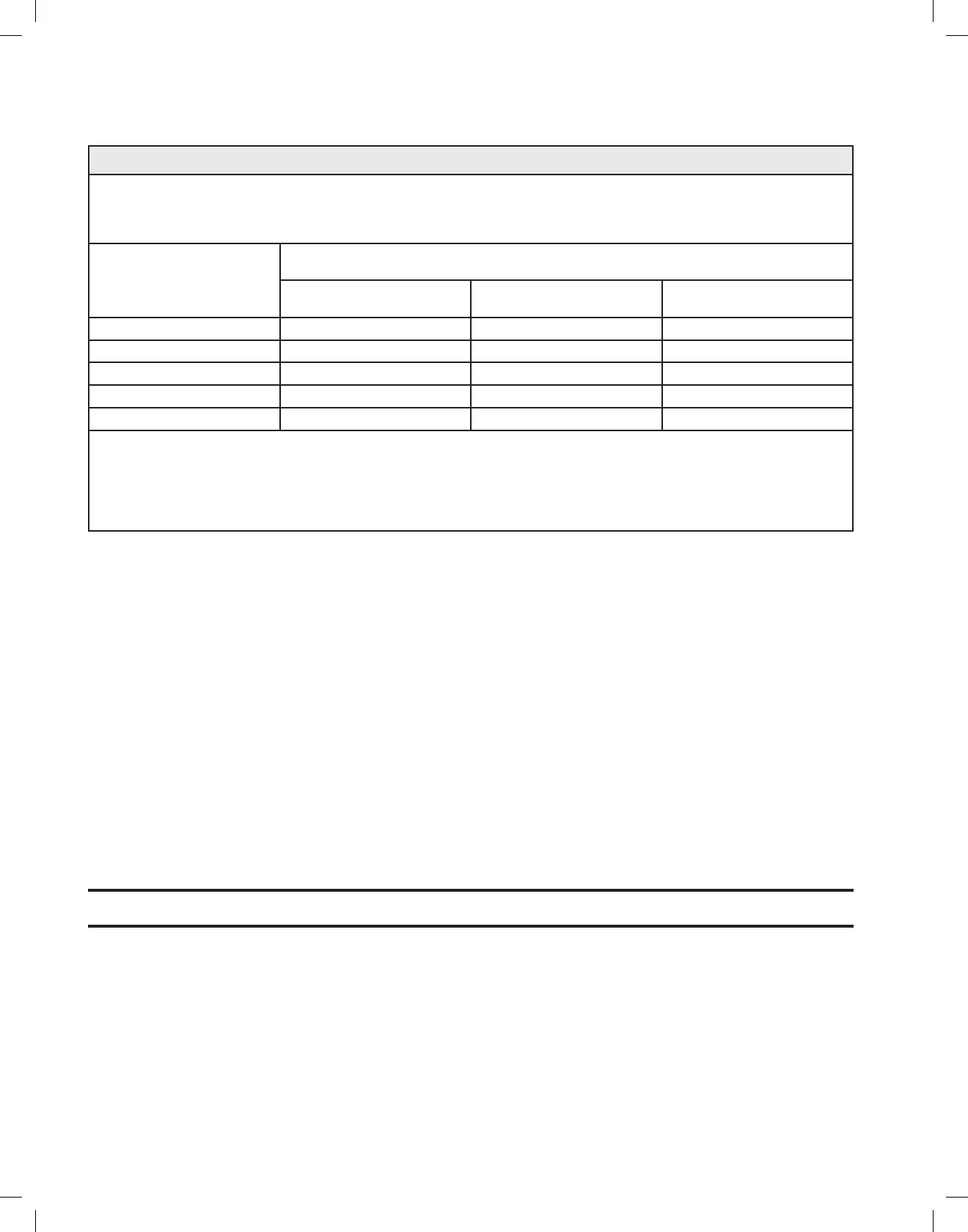
Table 4. Recommended Protective Distances
RecommendedseparationdistancesbetweenportableandmobileRFcommunicationsequipmentandtheequipmentorsystem—forequipment
and systems that are not life-supporting.
Guidance and Manufacturer’s Declaration — Electromagnetic Immunity
The GreenLight XPS™ Laser System is intended for use in the electromagnetic environment in which radiated RF disturbances are controlled.
The customer or the user of the GreenLight XPS Laser System can help prevent electromagnetic interference by maintaining a minimum
distance between portable and mobile RF communications equipment (transmitters) and the GreenLight XPS Laser System as recommended
below, according to the maximum output power of the communications equipment.
Rated maximum output power of
transmitter
W
Separation distance according to frequency of transmitter
m
150 kHz to 80 MHz
d=[3.5/V1]*P½
80 MHz to 800 MHz
d=[3.5/E1]*P½
800 MHz to 2.5 GHz
d=[7/E1]*P½
0.01 0.12 0.12 0.23
0.1 0.37 0.37 0.74
1 1.17 1.17 2.33
10 3.69 3.69 7.38
100 11.67 11.67 23.33
For transmitters rated at a maximum output power not listed above, the recommended separation distance d in meters (m) can be estimated using
the equation applicable to the frequency of the transmitter, where P is the maximum output power rating of the transmitter in watts (W) according
to the transmitter manufacturer.
Note 1: At 80 MHz and 800 MHz, the separation distance for the higher frequency range applies.
Note 2: These guidelines may not apply in all situations. Electromagnetic propagation is affected by absorption and reflection from structures,
objects, and people.
14 MAINTENANCE
The console has been designed to provide trouble-free operation with minimal maintenance. This section provides information on the routine
maintenance and care required for the console.
The laser, cooling system, and control electronics are enclosed in a tamper-resistant console. The console does not contain user serviceable
components.
14.1 Care of the Console
The console may be wiped down periodically with a cloth dampened with a weak solution of water and mild detergent or a mild cleaning agent.
Whencleaningtheconsole,donotuseharshorabrasivecleansers,especiallyontheLCDscreenpanel,anddonotpourwaterorotherliquidover
the console. If liquid is spilled on the console and it is thought that some may have gone inside, turn the unit off and call BSC technical support.
14.2 Preventative Maintenance
Regular, routine preventive maintenance should be performed by an authorized BSC service representative. Preventive maintenance consists of
replacing consumable components such as video camera inserts, adjusting the calibration, and other tasks designed to keep the laser operating
reliably and within specification. Preventive maintenance should be scheduled every 6 months unless otherwise determined by the BSC Service
organization.
14.3 Coolant Refill Instructions
The console uses a vented internal cooling system that uses distilled or deionized water. Over time, some evaporation can occur resulting in a
‘Please fill chiller reservoir with deionized water’ courtesy message. The below instructions describe the water filling process for restoring the
proper coolant level.
14.4 Instructions How to Refill Coolant
Note: The console holds approximately 1,700 ml of distilled or deionized water.
The below procedure is to be used to top off the water level for the console only if a low water fault occurs.
1. Turn the circuit breaker off and unplug the console.
2. Remove the reservoir cap in the back of the console.
3. Pour water into the filler reservoir until its level stops falling. Fill the reservoir to just above the halfway point, stop, and repeat until the level
stops falling.
4. Plug system in, turn on circuit breaker, and turn the laser key switch to on.
5. Makesurethatthefillerreservoirisstillabouthalffull.Addwaterifnecessary.Donotover-fillthereservoir.
6. Replace the cap.
7. Continue with console startup. If a ‘Please fill chiller reservoir with deionized water’ message is still present, call BSC technical support or
the local GreenLight XPS Laser System distributor.


 To Next Page