14
Setup
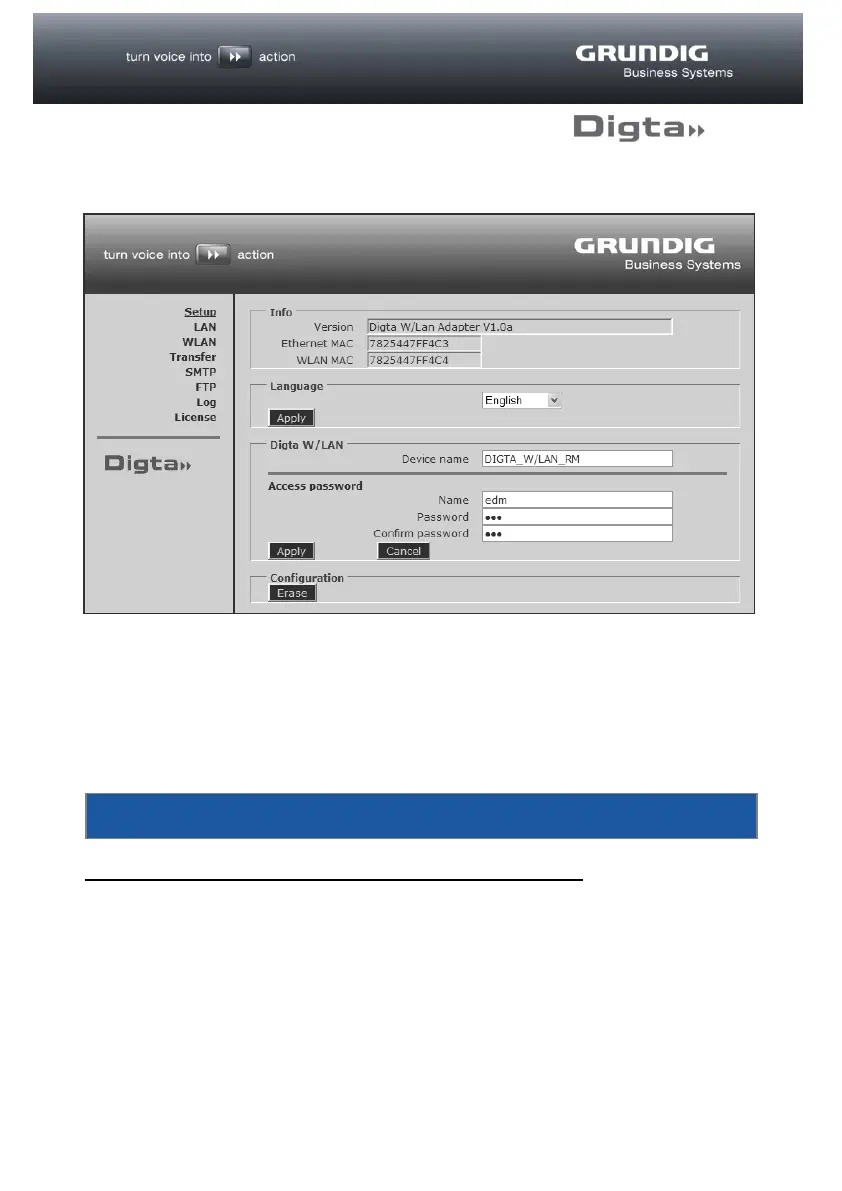
The individual menu items can be seen in the left-hand section of the web interface,
with the associated options in the right-hand section. The active menu is shown
underlined. The factory setting for the language is “English”.
To display the interface in another language, select the desired language in the
Language field and click on “Apply”.
Javascript must be enabled to ensure correct functioning!



 To Next Page