16
LAN
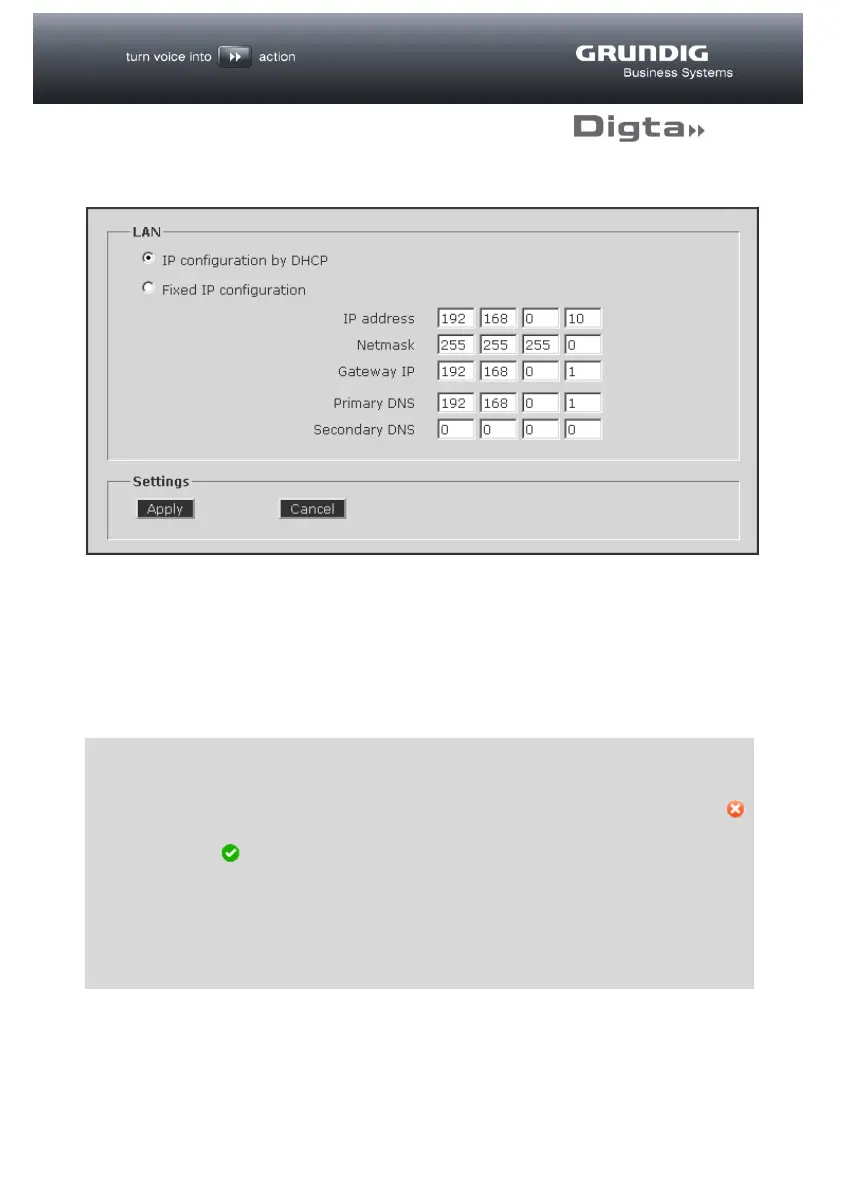
The “LAN” page shows the IP address set for the LAN interface, already selected
with the DigtaLAN Configuration tool. Changes can be made here, e.g. to the
Gateway IP.
By clicking on the “Apply” button, these settings are adopted and enabled in the
Digta W/LAN-Adapter configuration.
d
TIP
If an error is made during input, incorrect data is entered or a test is
unsuccessful, the input fields in question are indicated by a red symbol .
Successful completion of the tests described below is indicated by a green
symbol .
Changing the IP address will interrupt the connection to the web interface!
If necessary, restart the configuration process by entering the new IP
address in your web browser.



 To Next Page