19
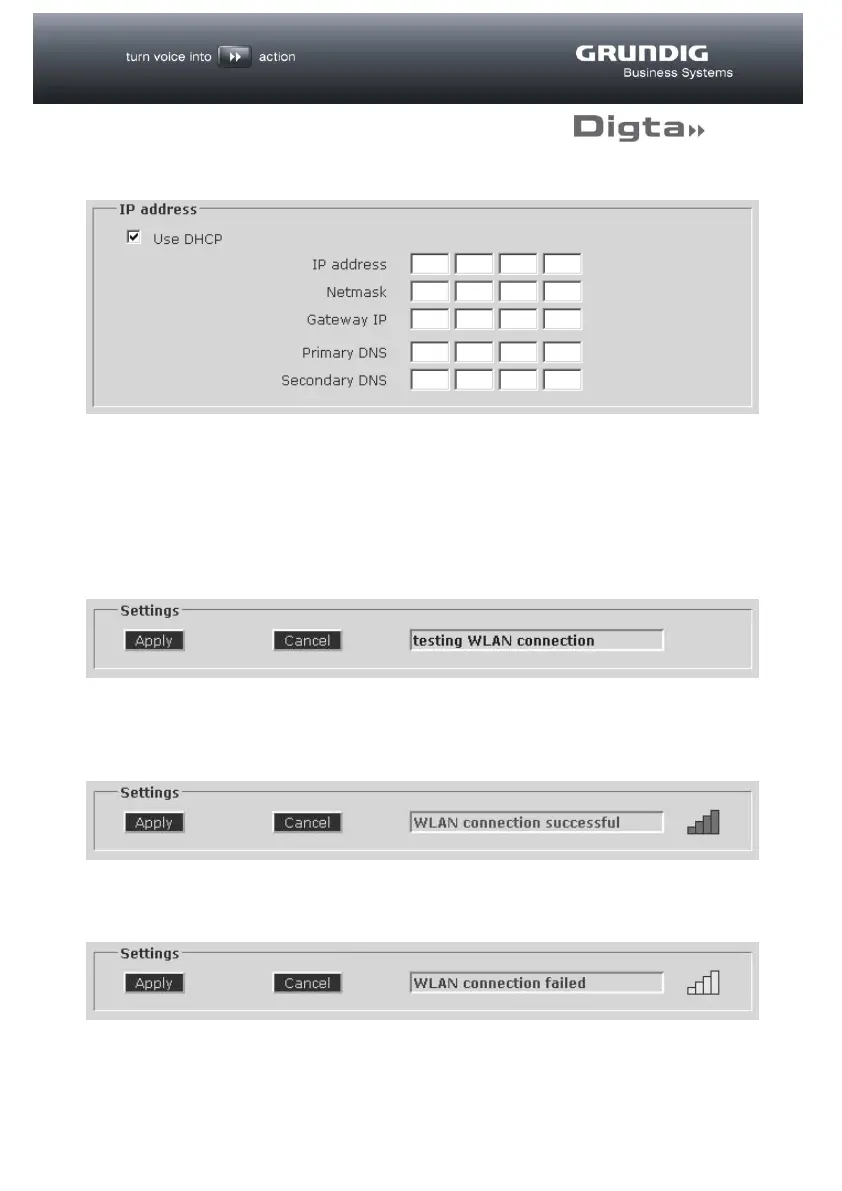
IP address
If there is a DHCP server in the wireless LAN environment that will automatically
assign the address, activate the “use DHCP” option. Alternatively, a fixed IP
address for wireless LAN can be entered here.
Settings
In order to make the settings effective, click on the “Apply” button.
This will initiate a connection test and the status field shows the flashing display
“testing WLAN connection”. This test takes approx. 15-20 seconds.
If the connection can be established, “WLAN connection successful” appears.
There is also a symbol to show the connection strength.
If the connection cannot be established, “WLAN connection failed” appears.



 To Next Page