20
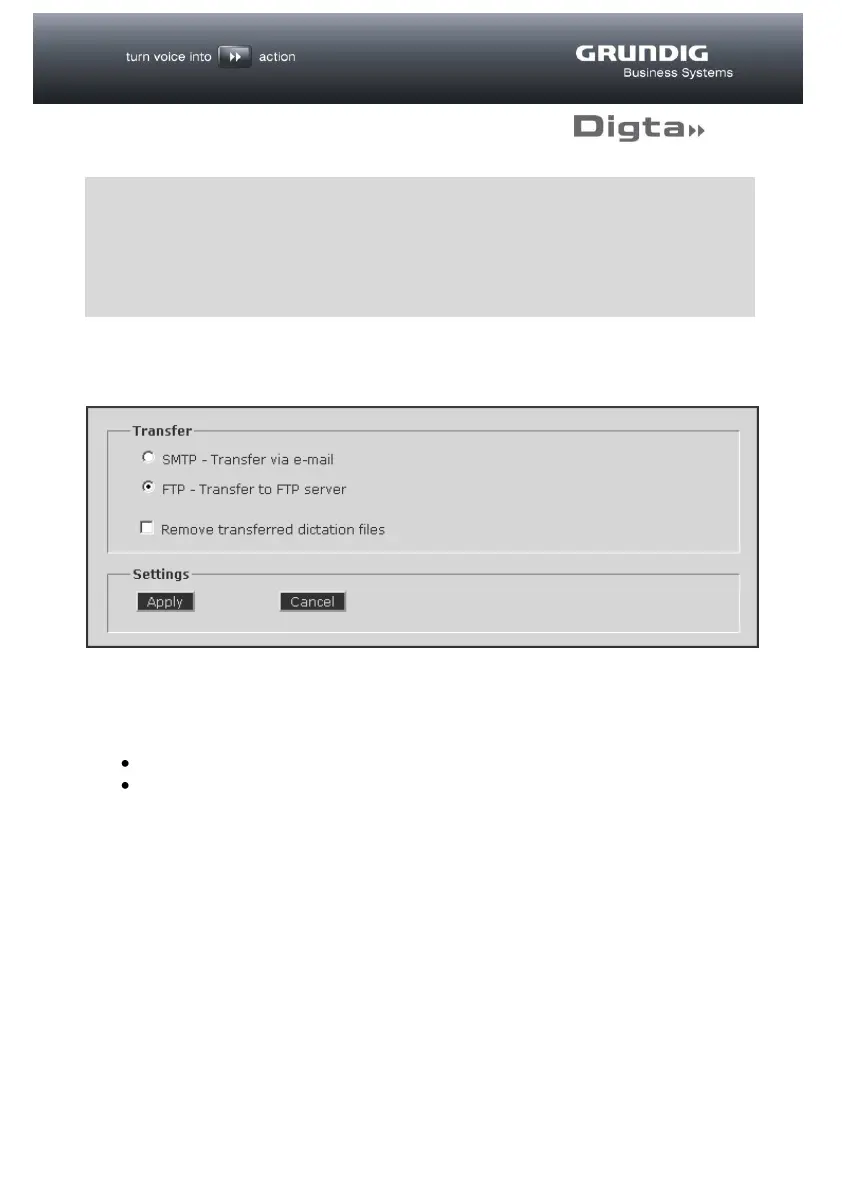
Transfer
On the “Transfer” page a selection can be made between two dictation transfer
types:
SMTP - Transfer of dictations via e-mail
FTP - Transfer of dictations to an FTP server
If the “Remove transferred dictation files” option is checked, successfully
transferred dictations will be deleted from the Digta, thus preventing multiple
transfers. It also means that the full recording capacity of the Digta will be restored
on completion of the transfer.
To save the settings click on the “Apply” button.
d
TIP
The fixed allocation of a WLAN IP address through the DHCP server
(recommended) requires the MAC address of the DigtaW/LAN-Adapter.
On successful completion of the connection test this will be displayed in
the Info field of the Setup page.



 To Next Page