15
Info
The “Info” field shows information on the hardware and firmware.
Version: Shows the DSS Mover version and the firmware version
Ethernet MAC: Shows the MAC address of the LAN interface
WLAN MAC: Shows the MAC address of the wireless LAN interface
(optional).
In the case of an existing module, this is not displayed until
configuration is complete and a wireless LAN connection has
been successfully established
Language
Various languages for the interface are listed here for selection.
Digta W/LAN
An individual name for the Digta W/LAN-Adapter can be entered in the “
Digta
W/LAN
”
field. If several devices are used in the LAN, this enables you to
differentiate between them and, where appropriate, specify the location. This name
is also shown in the DigtaLAN Configuration tool.
In the “Access password” field you may change the name and password for
access to configuration as you wish.
Configuration
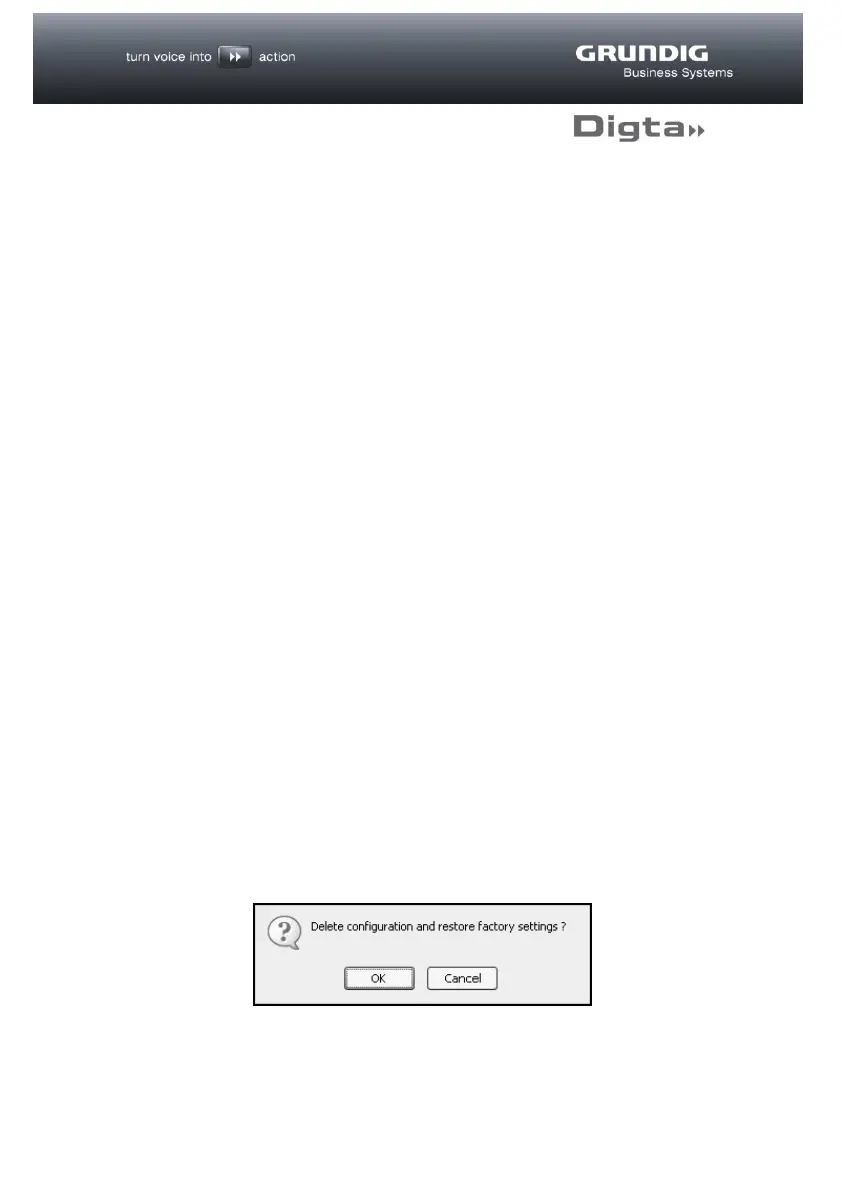
The “Erase” button in the “Configuration” field can be used to erase all the
Digta W/LAN-Adapter settings and restore the factory settings.
A security confirmation question appears before the configuration is deleted.



 To Next Page